This is an archive version of the document. To get the most up-to-date information, see the current version.
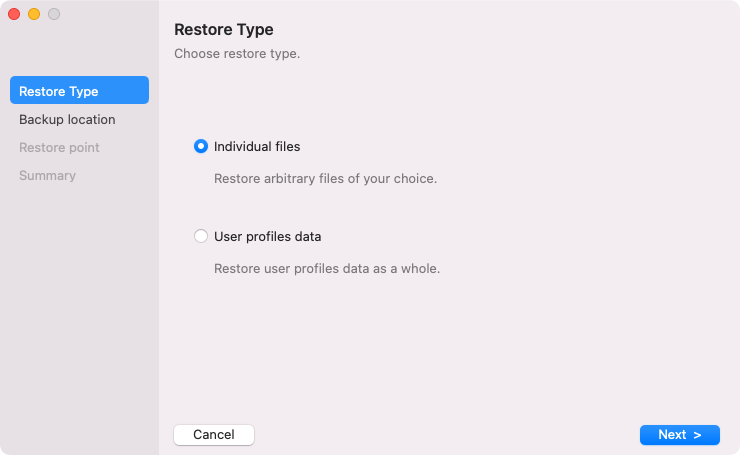
Step 2. Select Restore Type
At the Restore Type step of the wizard, select one of the available restore types:
- Individual files (default) — allows you to browse the backup and select specific files or folders to restore.
- User profiles data — allows you to restore user profiles data as a whole.