Step 4. Configure Storage Settings
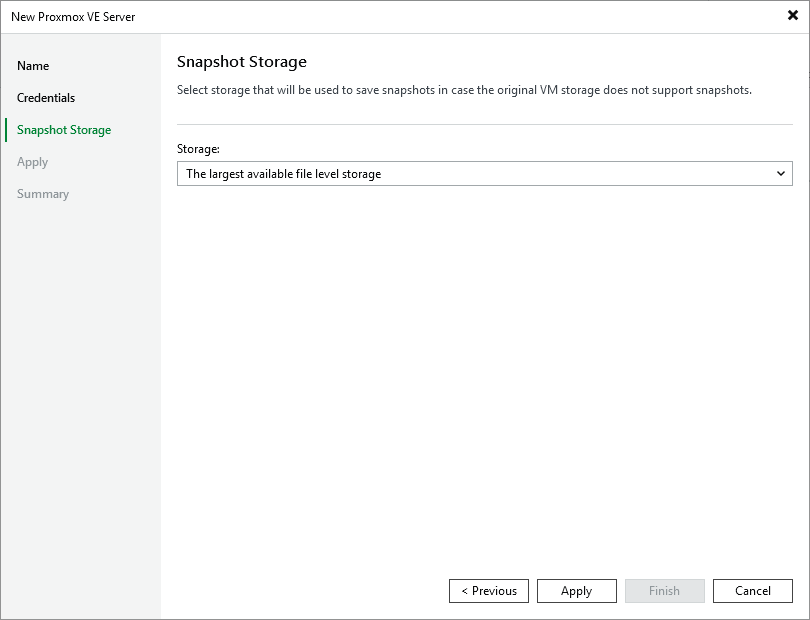
At the Snapshot Storage step of the wizard, choose the file-level storage where temporary VM snapshot files in QCOW2 format will be stored during backup sessions. You can select either a specific storage location, or let Veeam Backup & Replication use the largest file-level storage available on the connected Proxmox VE server.
|
Note |
|
Keep in mind that you cannot choose block storage — only file-level storage can be selected. Files in QCOW2 format cannot be stored in block-level storage, even if that storage type supports native Proxmox VE snapshots. For more information on storage types, see Proxmox VE documentation. |