This is an archive version of the document. To get the most up-to-date information, see the current version.
Updating File Backup Jobs
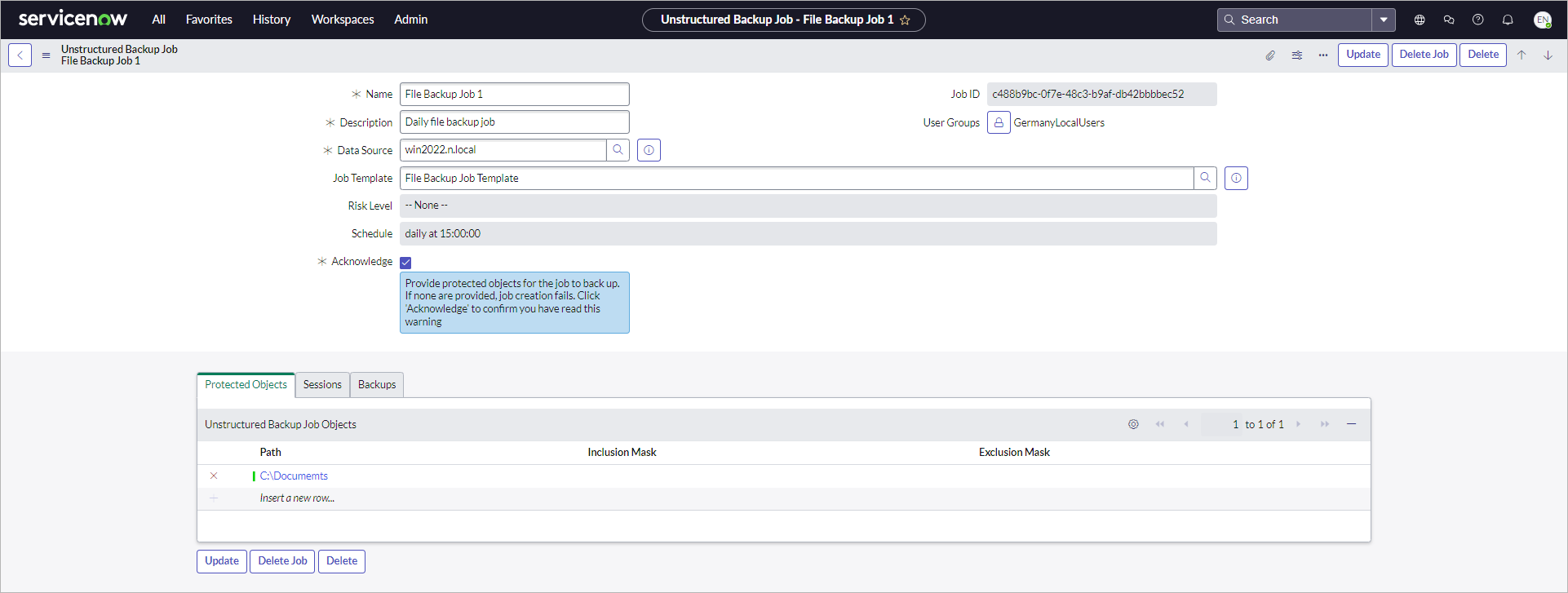
To update a file backup job, perform the following steps:
- Click All > Veeam > Unstructured Data > Jobs.
- Click the name of the job.
- Change the following settings if required:
- Name
- Description
- Data source
- User groups
- Select or remove a template if required.
- Click Update.
Note |
|
Consider the following:
|