This is an archive version of the document. To get the most up-to-date information, see the current version.
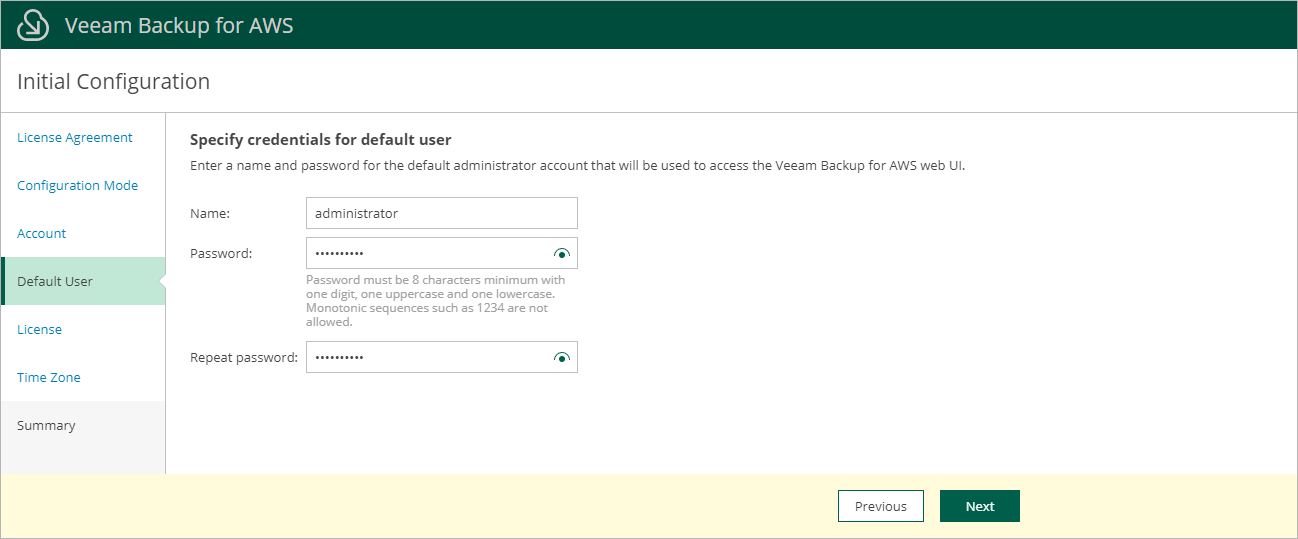
Step 4. Create Default User
At the Default User step of the wizard, create the default user whose credentials you will use for your first login to Veeam Backup for AWS.
Note |
To increase the security of the default user, it is recommended that you enable multi-factor authentication (MFA) for the user account after you first log in to Veeam Backup for AWS. To learn how to enable MFA, see Configuring Multi-Factor Authentication. |