 THIS PAGE CONTAINS INFORMATION ON FEATURES THAT ARE NOT RELEASED YET. DO NOT SHARE OUTSIDE VEEAM.
Uninstalling Veeam Plug-In for HPE Morpheus VM Essentials Manually
[This section applies only to Windows-based backup servers]
Before you uninstall Veeam Plug-in for HPE Morpheus VM Essentials, it is recommended to remove all configured workers from the backup infrastructure.
To uninstall Veeam Plug-in for HPE Morpheus VM Essentials, do the following:
- Log in to the backup server using an account with the Local Administrator permissions.
- Open the Start menu and click the Settings icon.
- In the Settings window, navigate to System > Apps and Features.
- In the program list, select Veeam Plug-in for HPE Morpheus VM Essentials. Then, click Uninstall.
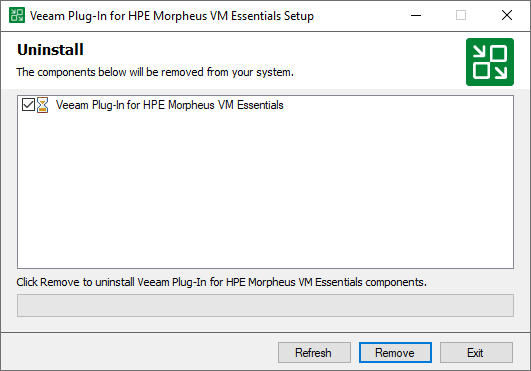
- In the opened window, click Remove.
Related Topics