This is an archive version of the document. To get the most up-to-date information, see the current version.
Performing VPC Configuration Restore
Important |
VPC configuration restore is available only if you logged in to the Veeam Backup & Replication console using the user account that has been assigned the Veeam Backup Administrator role. For more information on user roles, see the Veeam Backup & Replication User Guide, section Roles and Users. |
Veeam Backup & Replication allows you to restore an entire Amazon VPC configuration from a VPC configuration backup. You can restore VPC configurations to any available restore point. To learn how entire VPC configuration restore works, see the Veeam Backup for AWS User Guide, section Performing Entire Configuration Restore.
To restore a VPC configuration, do the following:
- In the Veeam Backup & Replication console, open the Home view.
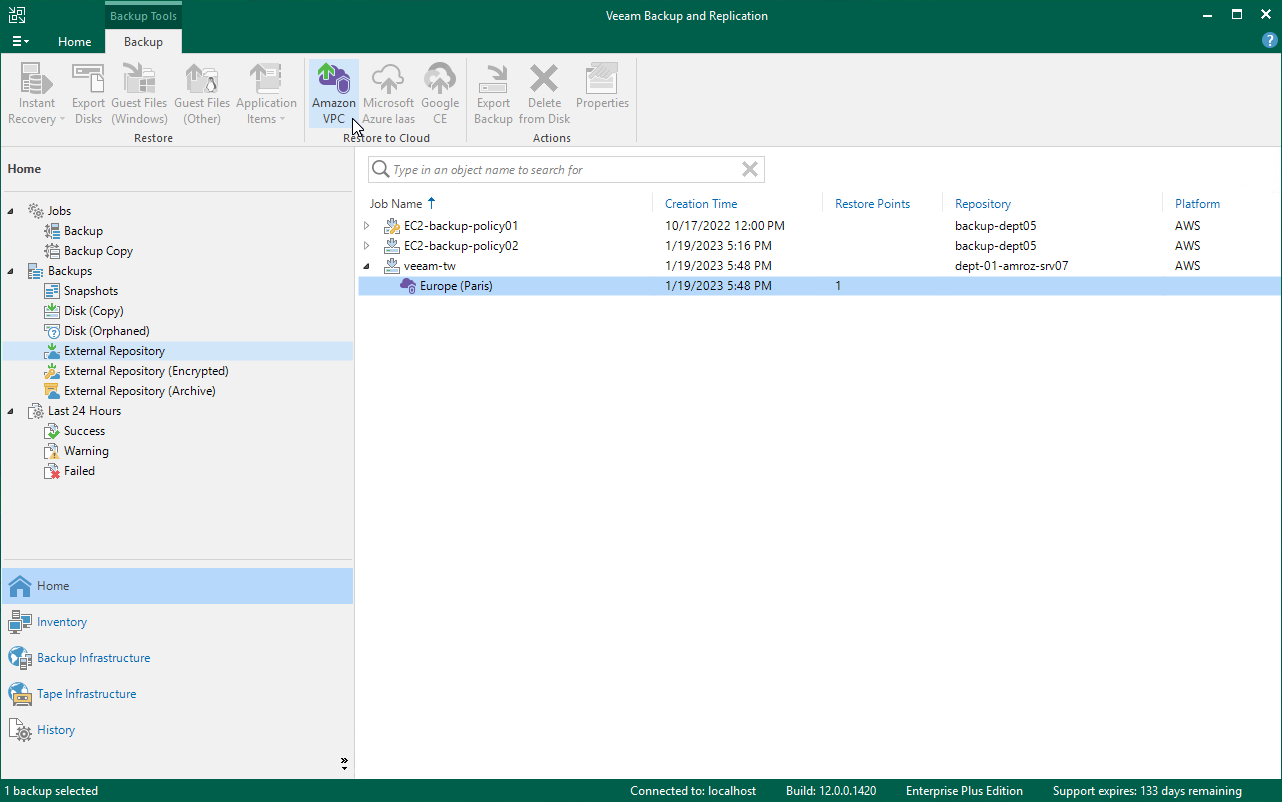
- Navigate to Backups > External Repository.
- Expand the AWS account in which you want to restore the VPC configuration, select the AWS Region whose VPC configuration will be restored and click Amazon VPC on the ribbon.
- Complete the VPC Restore wizard as described in the Veeam Backup for AWS User Guide, section VPC Configuration Restore.