This is an archive version of the document. To get the most up-to-date information, see the current version.
Rescanning RHV Backup Appliance
If the RHV backup appliance becomes unavailable, you can rescan it to synchronize data with the backup server. The rescan operation will update the appliance configuration and backup job statistics on the backup server.
To rescan the RHV backup appliance, do the following:
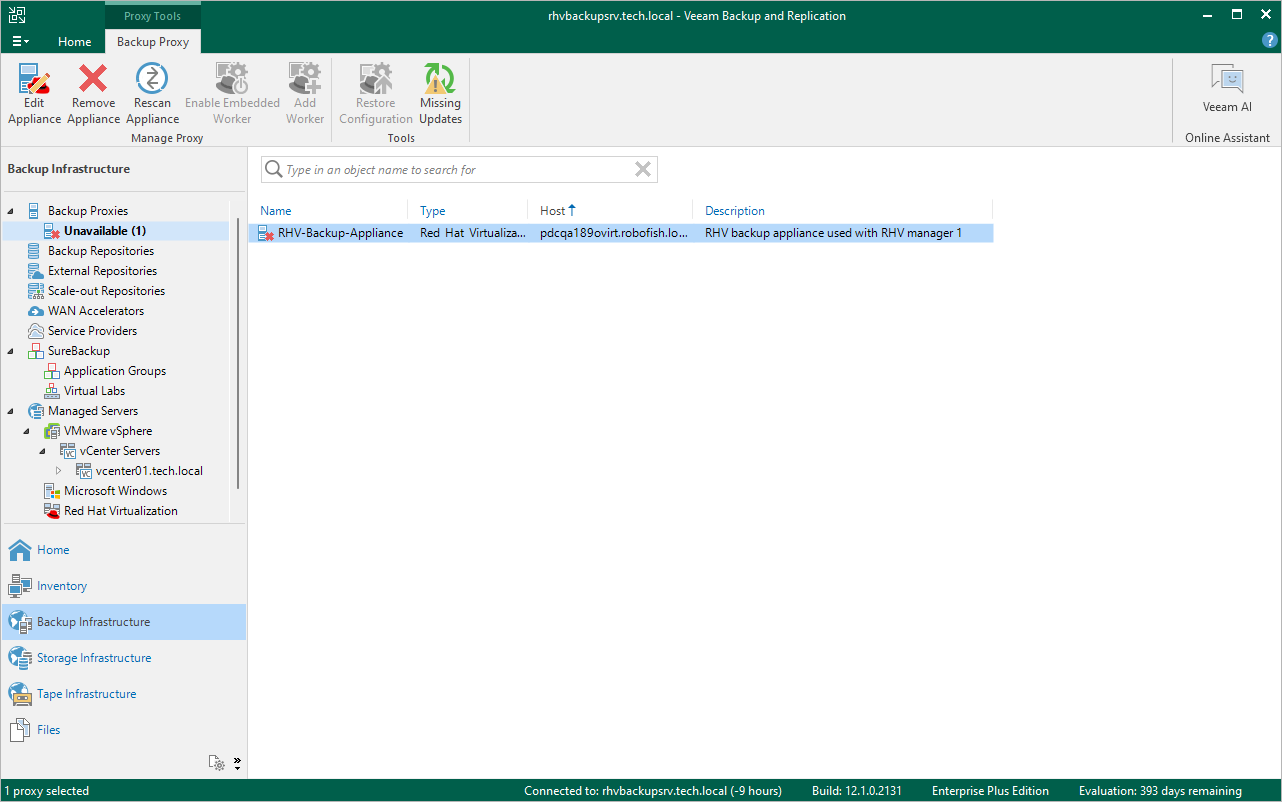
- Open the Backup Infrastructure view.
- In the inventory pane, select Backup Proxies > Unavailable.
- In the working area, select the RHV backup appliance and click Rescan Appliance on the ribbon, or right-click the RHV backup appliance and select Rescan.