This is an archive version of the document. To get the most up-to-date information, see the current version.
Viewing License Information in Control Panel
You can view information about the installed license in the Veeam Agent control panel.
To view license details, do the following:
- Launch the Veeam Agent control panel with the veeam or veeamconfig ui command.
- In the Veeam Agent control panel, press the [M] key to open the Miscellaneous menu.
- In the menu, make sure that the Manage License option is selected and press [Enter].
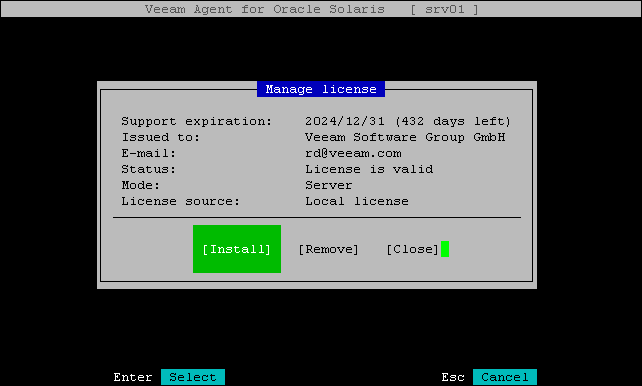
Veeam Agent for Oracle Solaris will display information about the license.