Restoring to Kubernetes
Veeam Backup & Replication allows you to restore applications to the Kubernetes cluster. When you restore applications, Veeam Backup & Replication redirects you to the Veeam Kasten web UI to proceed with the restore.
To restore applications, do the following:
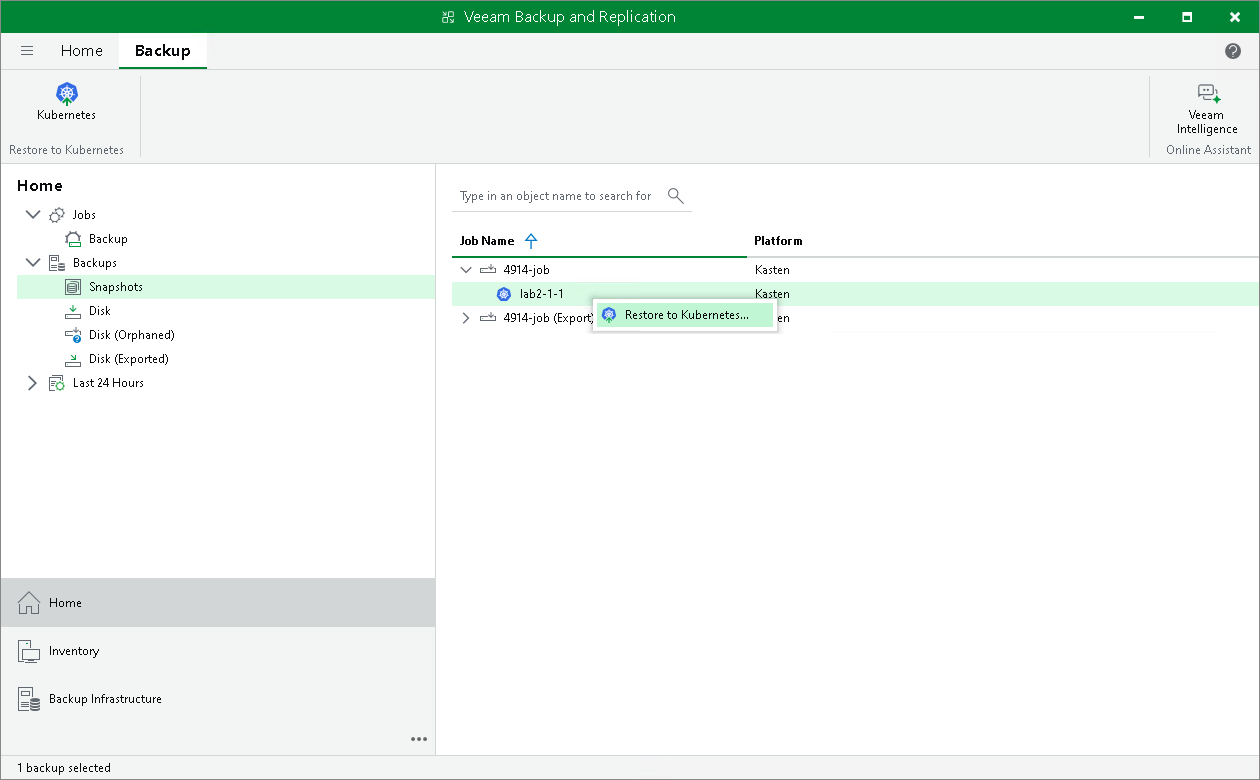
- Open the Home view. In the inventory pane, navigate to Backups > Disk to restore from Kasten exports, or to Backups > Snapshots to restore from snapshots.
- In the working area, select the application that you want to restore. On the ribbon, click Kubernetes. Alternatively, right-click the application and select Restore to Kubernetes.
- Follow the instructions provided in the Veeam Kasten Docs.
You can view restore sessions under the Home > Last 24 Hours node or under History > Restore node.