This is an archive version of the document. Starting from version 9, the Veeam Plug-in for Nutanix AHV User Guide is part of the Veeam Backup & Replication User Guide. To get the most up-to-date information, see the current version.
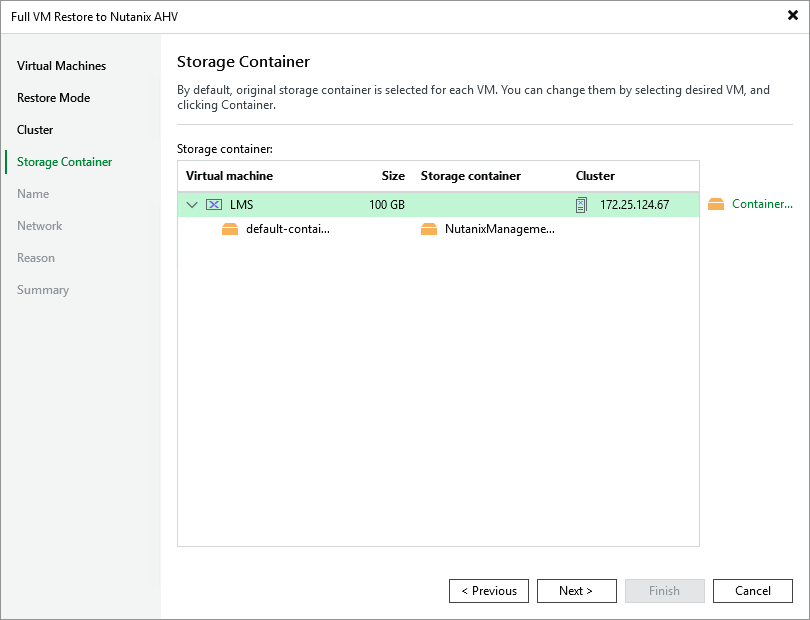
Step 5. Select Storage Container
[This step applies only if you have selected the Restore to a new location, or with different settings option at the Restore Mode step of the wizard]
At the Storage Container step of the wizard, choose the storage container where virtual disks of the recovered VM will be stored.
For a container to be displayed in the list of the available containers, it must be configured in the Nutanix AHV cluster as described in Nutanix documentation.
|
Note |
|
You cannot choose a storage container when restoring the VM from a snapshot. |