This is an archive version of the document. Starting from version 8, the Veeam Backup for Google Cloud User Guide is part of the Veeam Backup & Replication User Guide. To get the most up-to-date information, see the current version.
Step 3. Specify Project
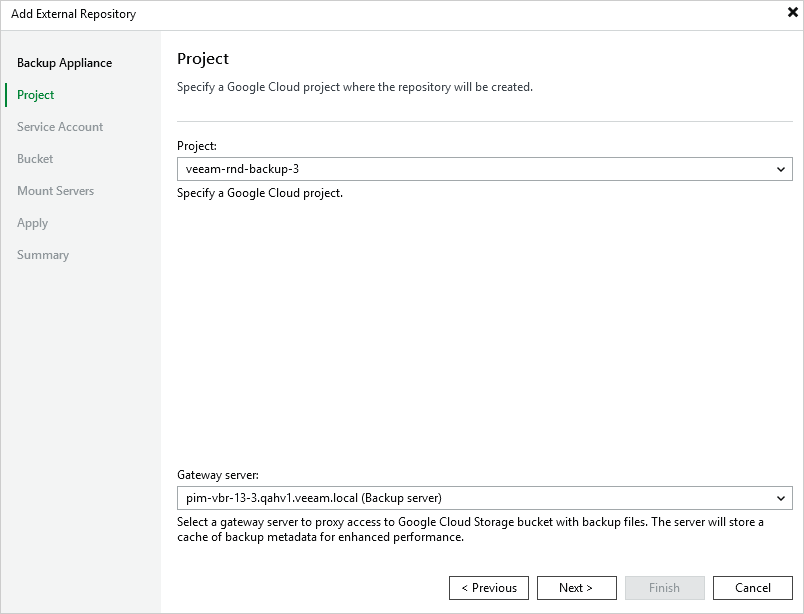
At the Project step of the wizard, do the following:
- From the Project drop-down list, select a project to which the new repository will belong.
For a project to be displayed in the Project list, it must be added to the backup appliance as described in section Adding Projects and Folders.
- [Applies only if you have chosen to create a standard repository] From the Gateway server drop-down list, select a gateway server that will be used to access the repository.
For a server to be displayed in the Gateway server list, it must be added to the backup infrastructure. For more information on gateway servers, see Architecture Overview.