This is an archive version of the document. Starting from version 8, the Veeam Backup for Google Cloud User Guide is part of the Veeam Backup & Replication User Guide. To get the most up-to-date information, see the current version.
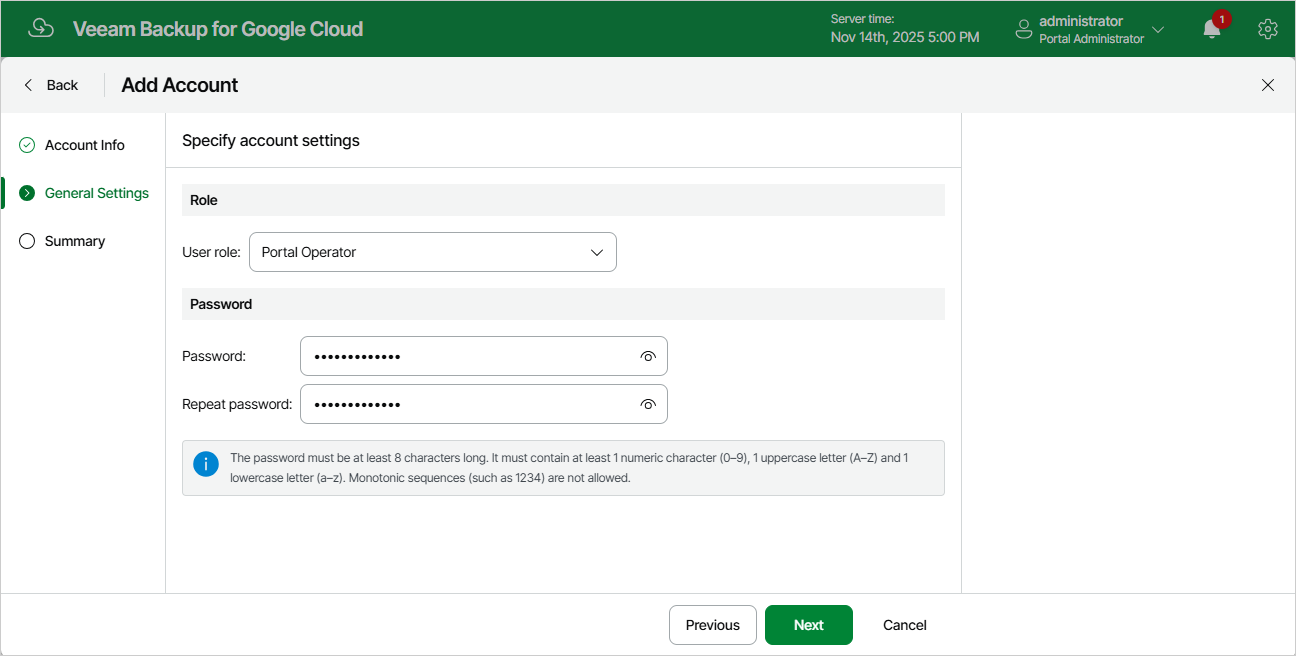
Step 3. Specify Password
At the General Settings step of the wizard, choose a role for the user account and specify a password that the user will use to access Veeam Backup for Google Cloud.