This is an archive version of the document. Starting from version 8, the Veeam Backup for Google Cloud User Guide is part of the Veeam Backup & Replication User Guide. To get the most up-to-date information, see the current version.
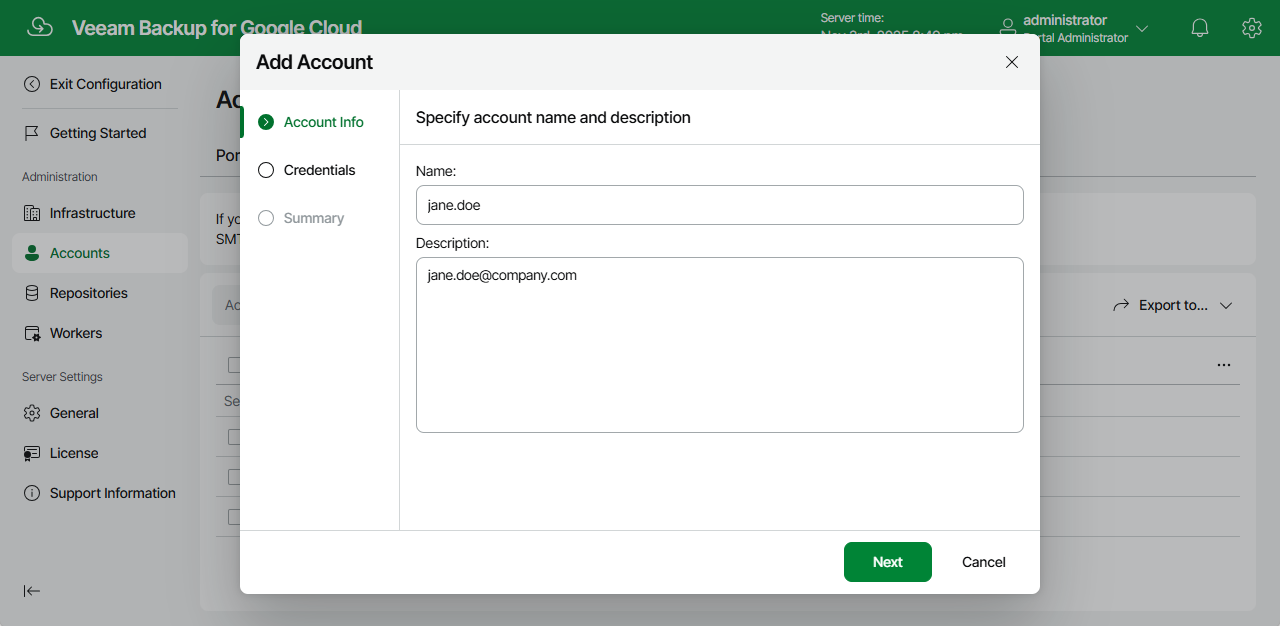
Step 2. Specify Account Name and Description
At the Account Info step of the wizard, enter a name for the new SMTP account and provide a description for future reference. The maximum length of the name is 255 characters.