This is an archive version of the document. Starting from version 8, the Veeam Backup for Google Cloud User Guide is part of the Veeam Backup & Replication User Guide. To get the most up-to-date information, see the current version.
Step 1. Launch Database Restore Wizard
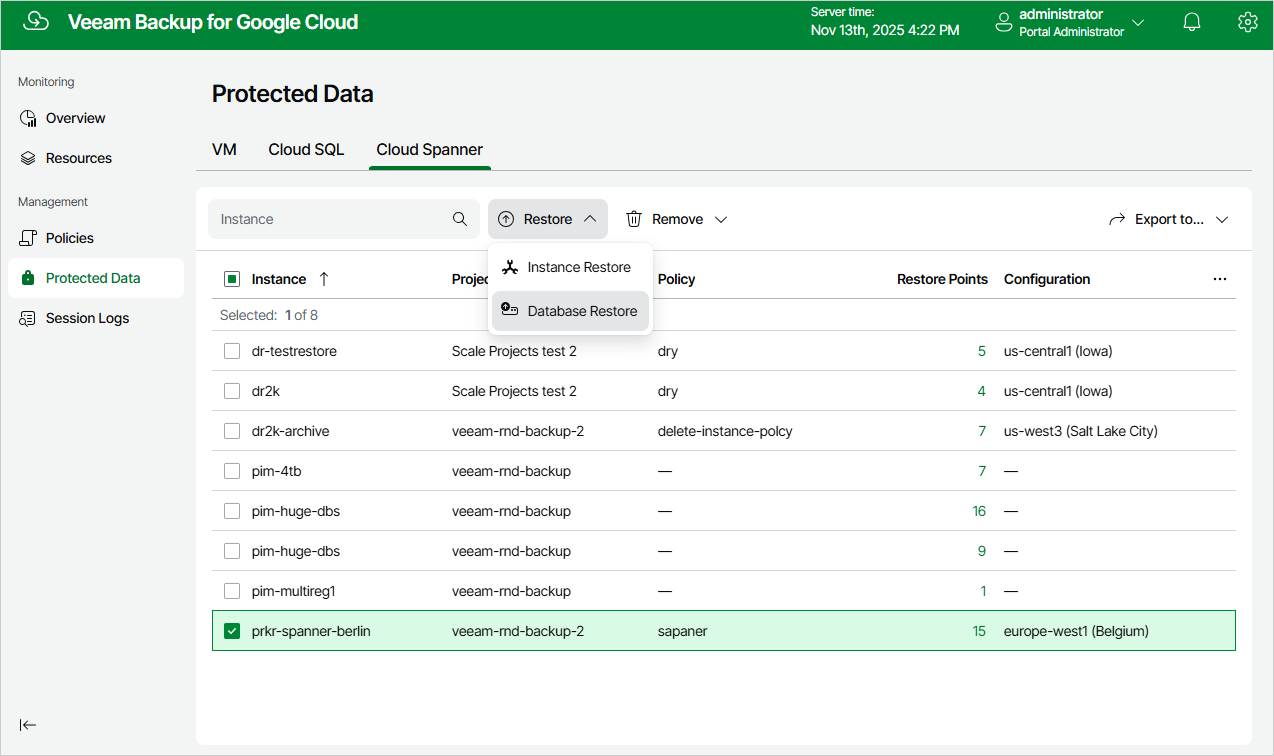
To launch the Cloud Spanner Database Restore wizard, do the following:
- Navigate to Protected Data > Cloud Spanner.
- Select the Cloud Spanner instance whose databases you want to restore, and click Restore > Database Restore.