This is an archive version of the document. Starting from version 8, the Veeam Backup for Google Cloud User Guide is part of the Veeam Backup & Replication User Guide. To get the most up-to-date information, see the current version.
Step 7. Finish Working with Wizard
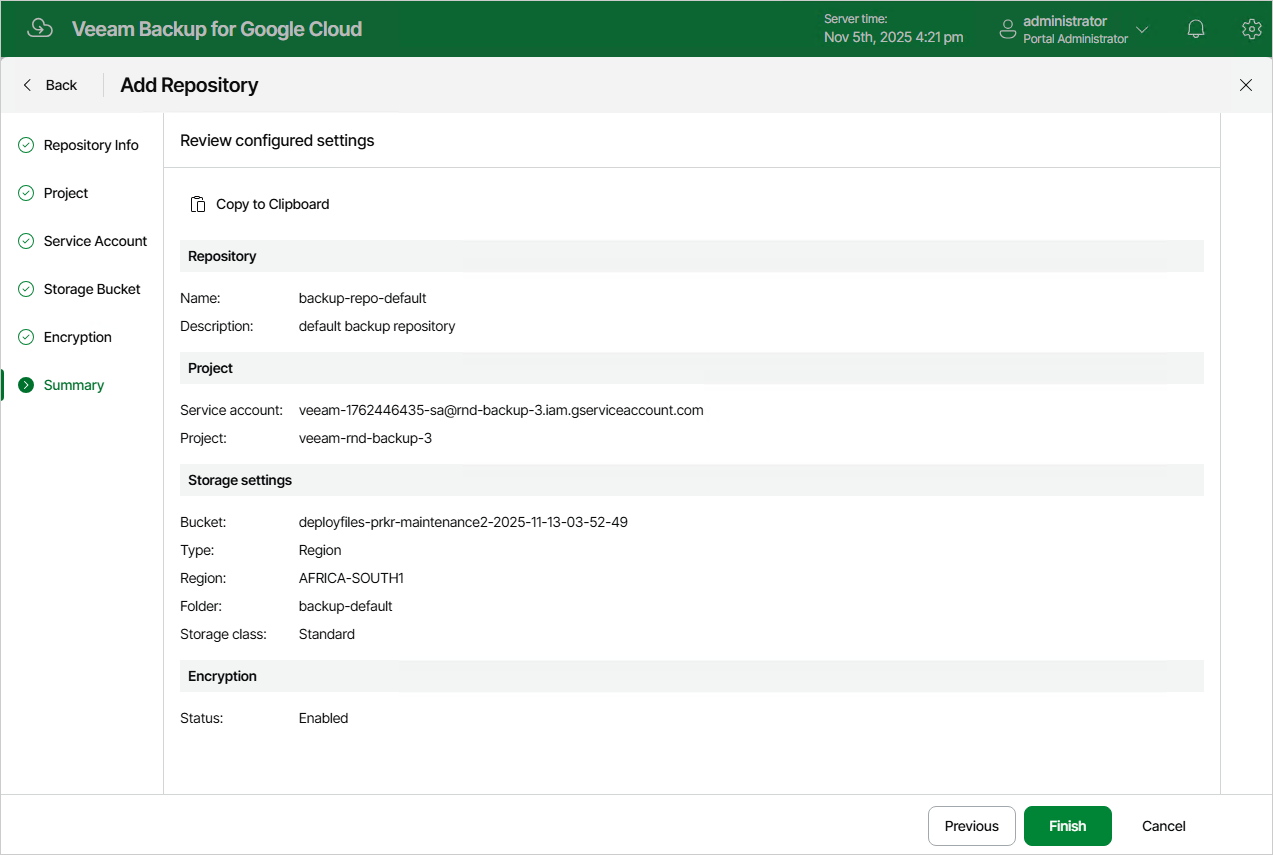
At the Summary step of the wizard, review summary information and click Finish.
As soon as you click Finish, Veeam Backup for Google Cloud will start creating the new backup repository. To track the progress, click Go to Sessions in the Session Info window to proceed to the Session Logs page.