This is an archive version of the document. Starting from version 8, the Veeam Backup for Google Cloud User Guide is part of the Veeam Backup & Replication User Guide. To get the most up-to-date information, see the current version.
Step 6. Finish Working with Wizard
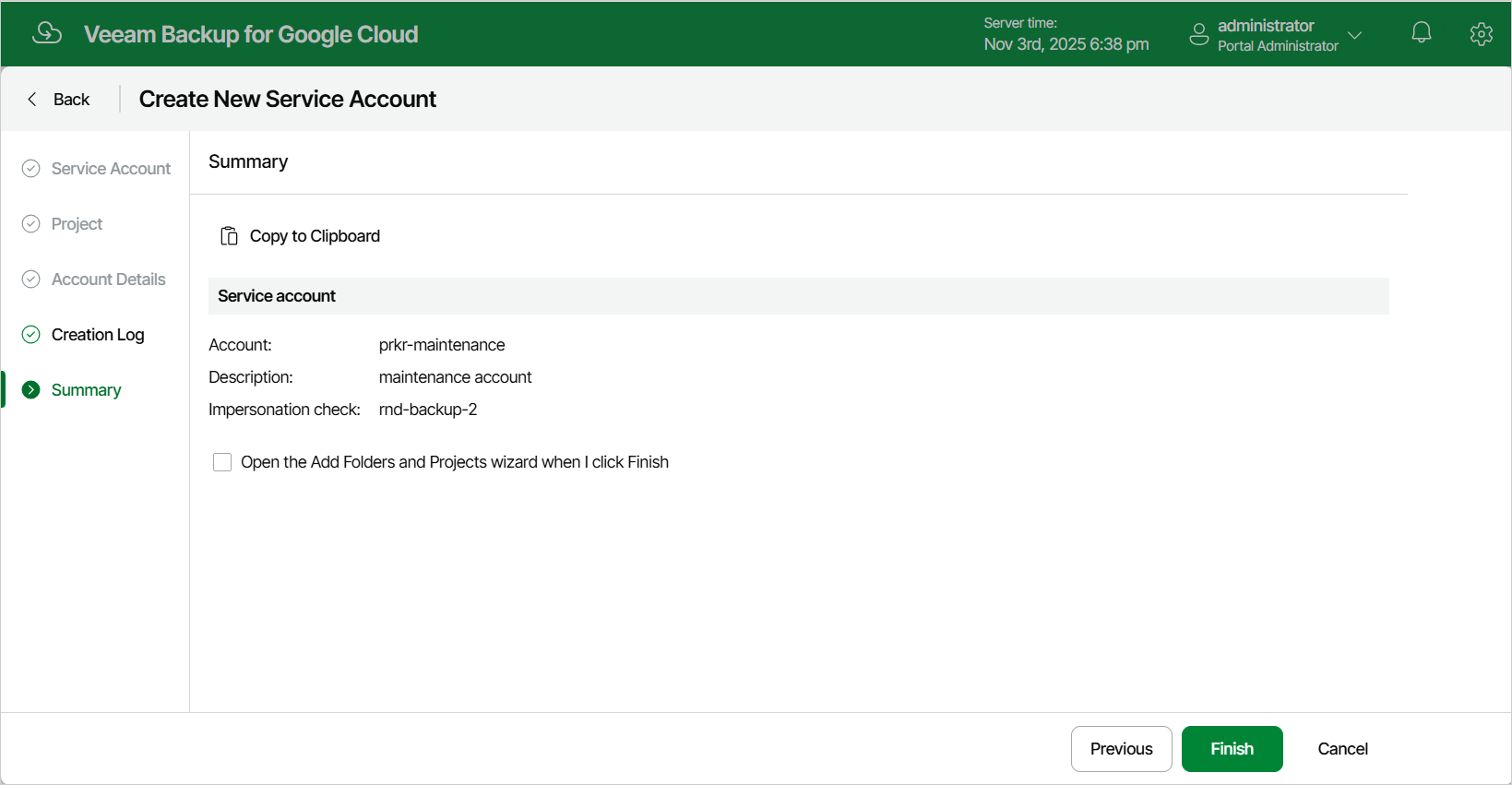
At the Summary step of the wizard, review summary information and click Finish.
|
Tip |
|
If you want to associate the newly added service account with a project or folder, select the Open the Add Projects and Folders wizard when I click Finish check box. |