This is an archive version of the document. To get the most up-to-date information, see the current version.
Editing Projects
In this article
For each project, you can modify settings configured while adding the project:
- Switch to the Configuration page.
- Navigate to Permissions > Projects.
- Select the project and click Edit.
- Complete the Edit Project wizard.
- To modify the list of tasks that Veeam Backup for GCP can perform for the project, follow the instructions provided in section Adding Projects (step 2).
- To choose another service account or to create a new account to access the project, follow the instructions provided in section Adding Projects (step 3).
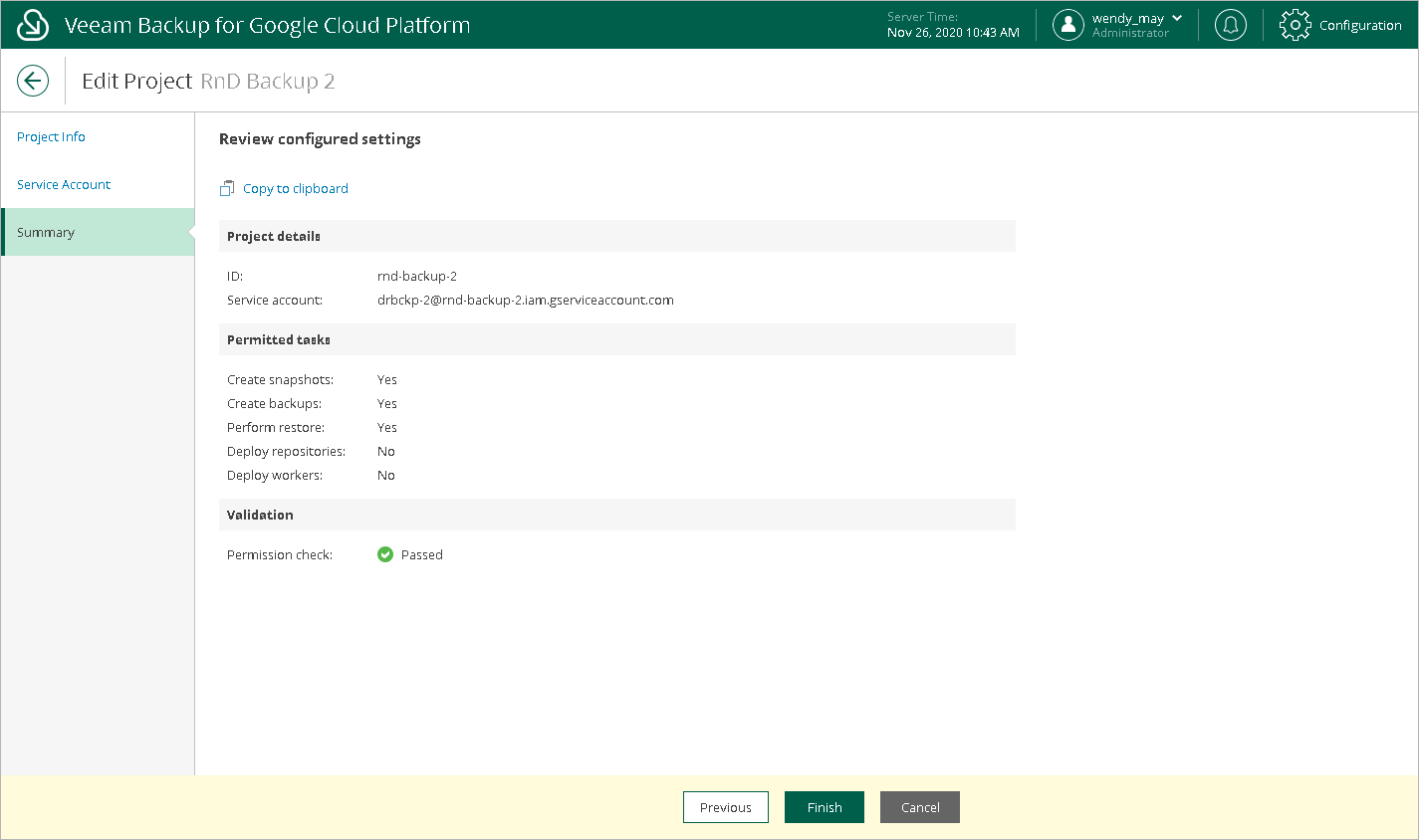
- At the Summary step of the wizard, review configuration information and click Finish to confirm the changes.