This is an archive version of the document. To get the most up-to-date information, see the current version.
Step 2. Specify Account Name and Description
In this article
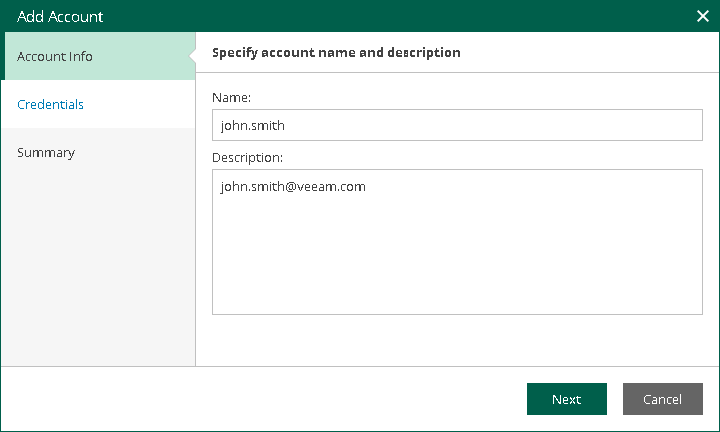
At the Account Info step of the wizard, use the Name and Description fields to enter a name for the new SMTP account and to provide a description for future reference. The maximum length of the name is 64 characters; the following characters are not supported: \ / " ' [ ] : | < > + = ; , ? * @ & _ .