This is an archive version of the document. To get the most up-to-date information, see the current version.
Editing Backup Job Settings
To edit job settings:
- Open the Home view.
- In the inventory pane, select Jobs > Backup.
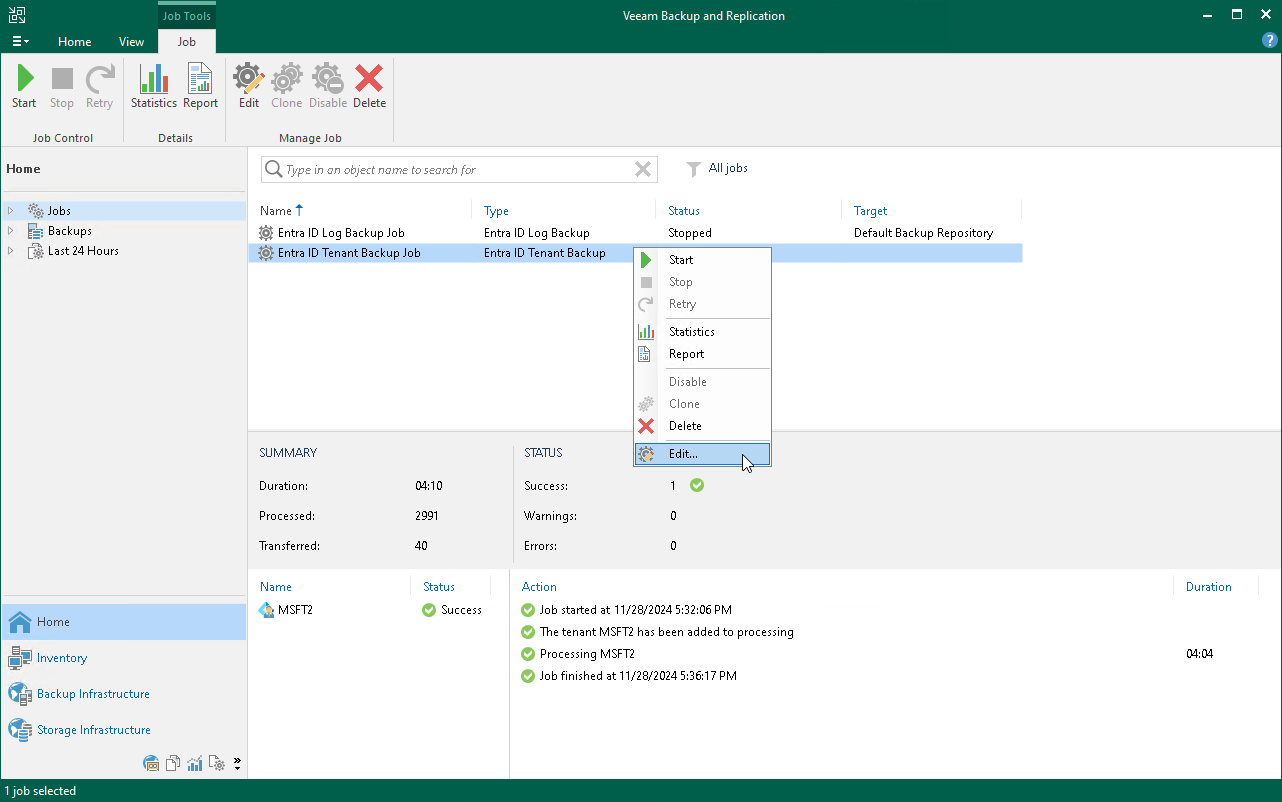
- In the working area, select the job and click Edit on the ribbon or right-click the job and select Edit.
You will follow the same steps you followed when creating the job and can change job settings as required.