This is an archive version of the document. To get the most up-to-date information, see the current version.
Step 3. Choose Connection Method
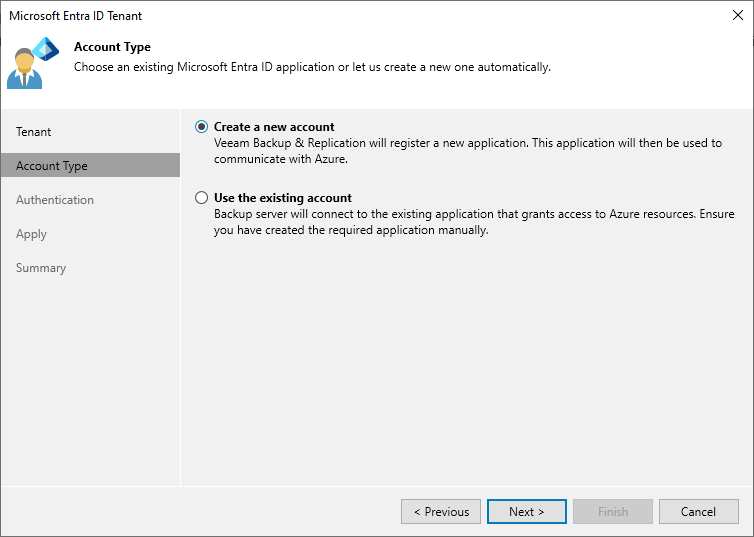
At the Account Type step of the wizard, choose if you want to connect to Microsoft Azure using an existing or a newly created Microsoft Entra ID application. In the latter case, Veeam Backup & Replication will create a new Microsoft Entra ID application automatically.