This is an archive version of the document. To get the most up-to-date information, see the current version.
Step 2. Select Files and Folders to Restore
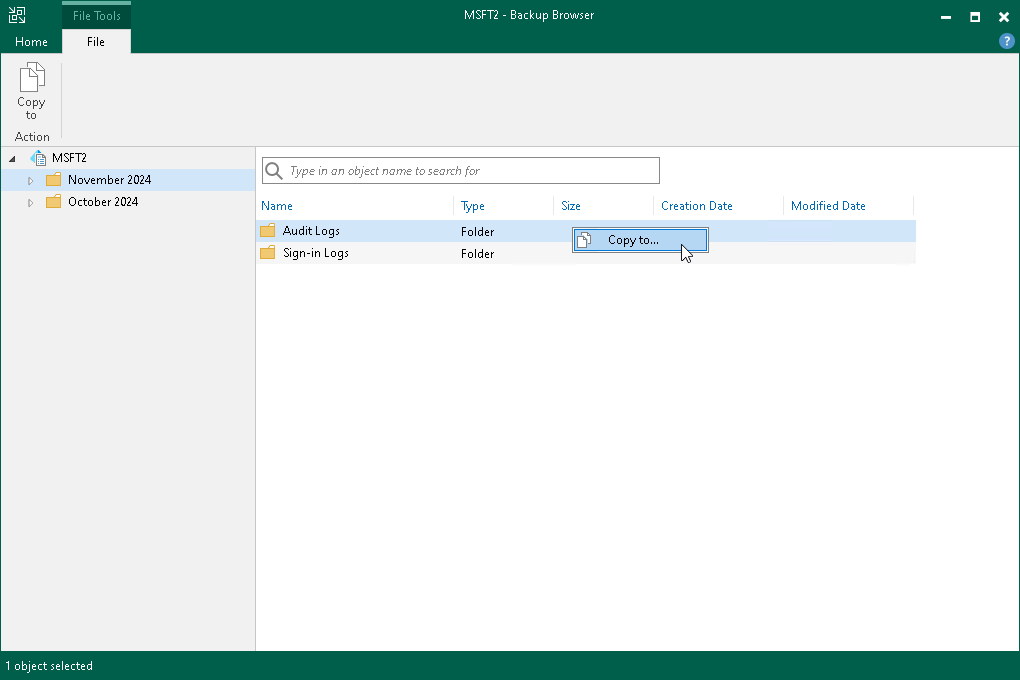
In the Backup Browser window, select files or folders that you want to restore, right-click one of them and select Copy to. Alternatively, you can use Copy to on the ribbon.