This is an archive version of the document. To get the most up-to-date information, see the current version.
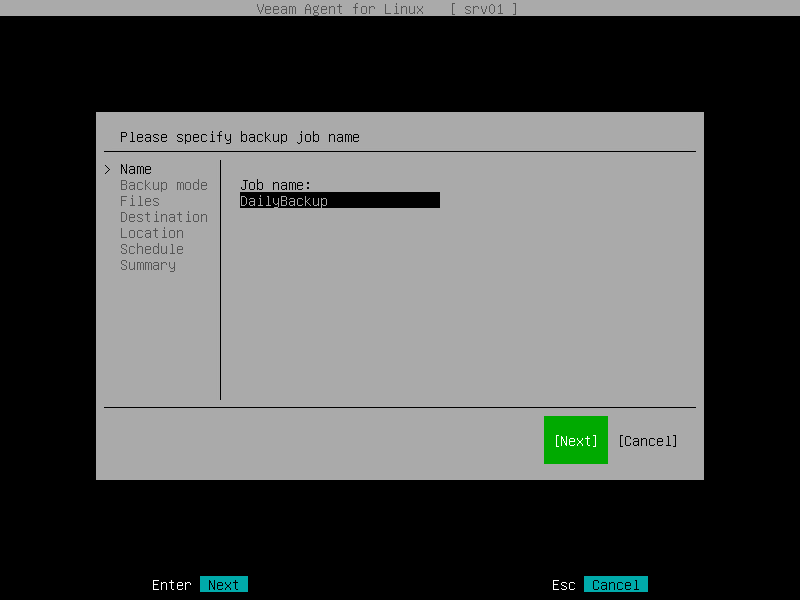
Step 2. Specify Backup Job Name
At the Name step of the wizard, in the Job name field, type the name for the backup job and press [Enter].
|
TIP |
|
To proceed to the next step of the wizard, you can also select the Next button with the [Tab] key and then press [Enter]. |