This is an archive version of the document. To get the most up-to-date information, see the current version.
Step 3. Launch Volume Restore Wizard
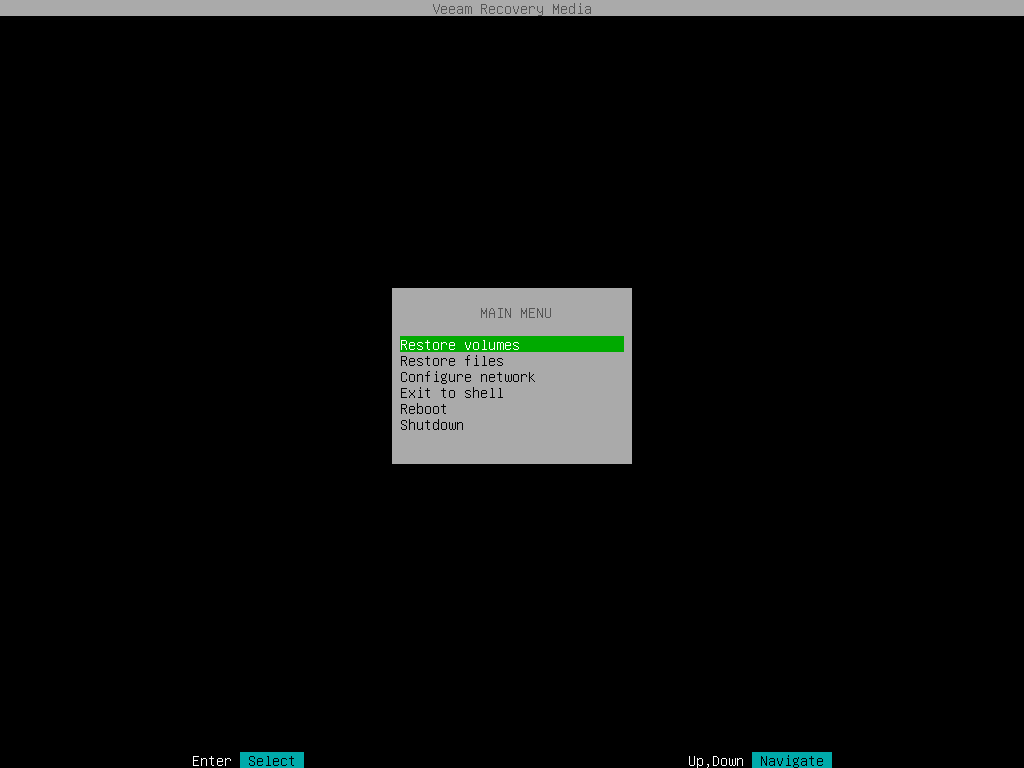
To launch the volume restore wizard, in the Veeam Recovery Media main menu, select Restore volumes and press [Enter].