This is an archive version of the document. To get the most up-to-date information, see the current version.
Step 6. Browse for Backup File
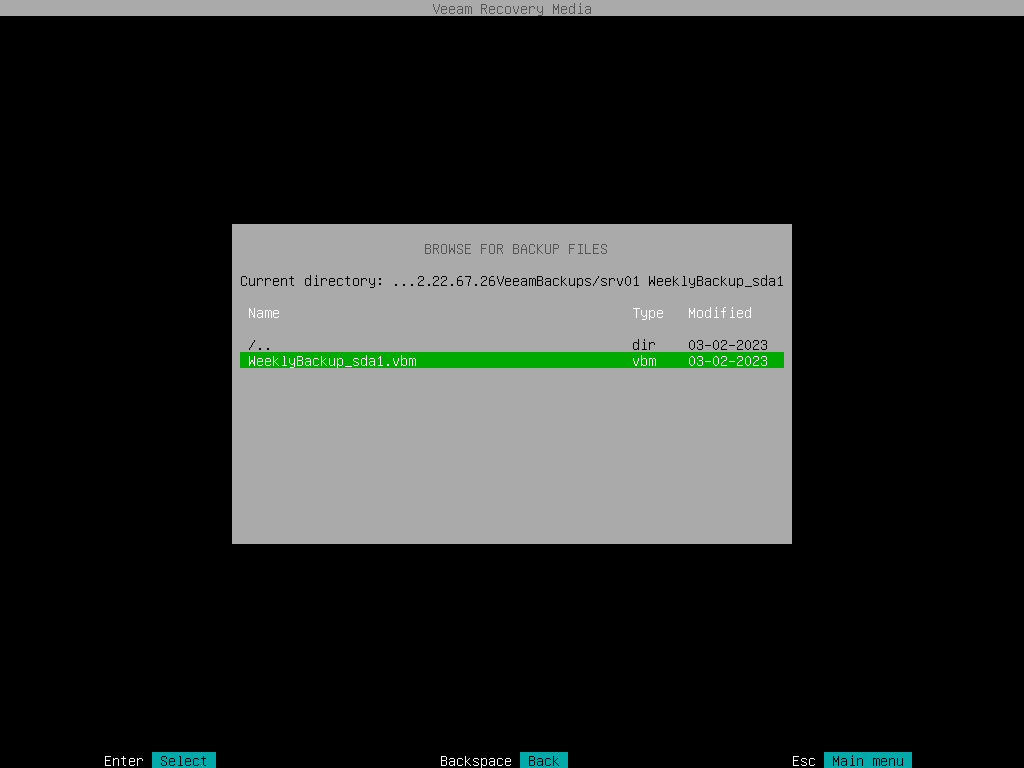
At the Browse for backup files step of the wizard, select the backup file that you plan to use for volume-level restore:
- In the file system tree, select a directory in which the backup file you plan to use for restore resides:
- Use [Up] and [Down] arrow keys to select a directory.
- Use the [Enter] key to open the necessary directory.
- In the directory where the backup file resides, select the backup file and press [Enter].