This is an archive version of the document. Starting from version 9, the Veeam Backup for Microsoft Azure User Guide is part of the Veeam Backup & Replication User Guide. To get the most up-to-date information, see the current version.
Step 9. Track Progress
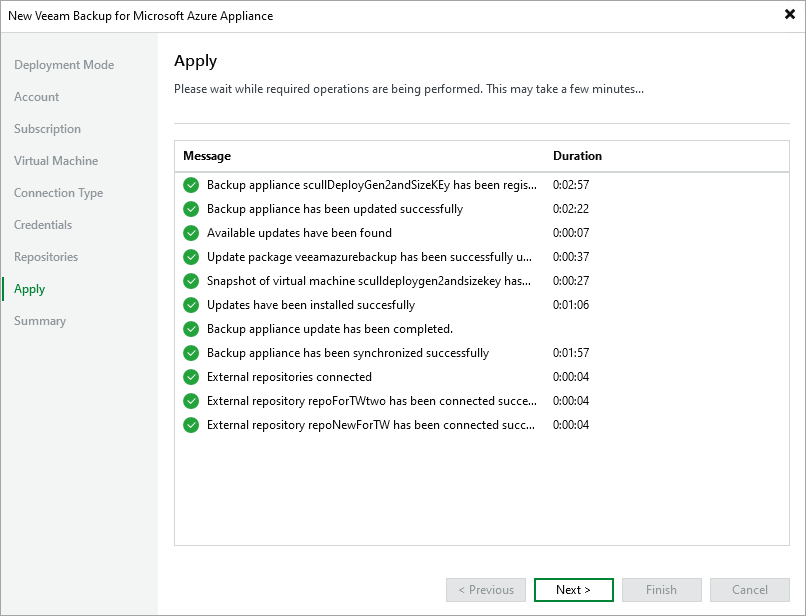
Veeam Backup & Replication will display the results of every step performed while connecting the backup appliance. At the Apply step of the wizard, wait for the process to complete and click Next.
|
Note |
|
When adding an existing appliance to the backup infrastructure, Veeam Backup & Replication collects session results only for the past 24 hours, as well as information on all snapshots, backups and policies. |