This is an archive version of the document. Starting from version 9, the Veeam Backup for Microsoft Azure User Guide is part of the Veeam Backup & Replication User Guide. To get the most up-to-date information, see the current version.
Enabling and Disabling Virtual Network Configuration Backup Policy
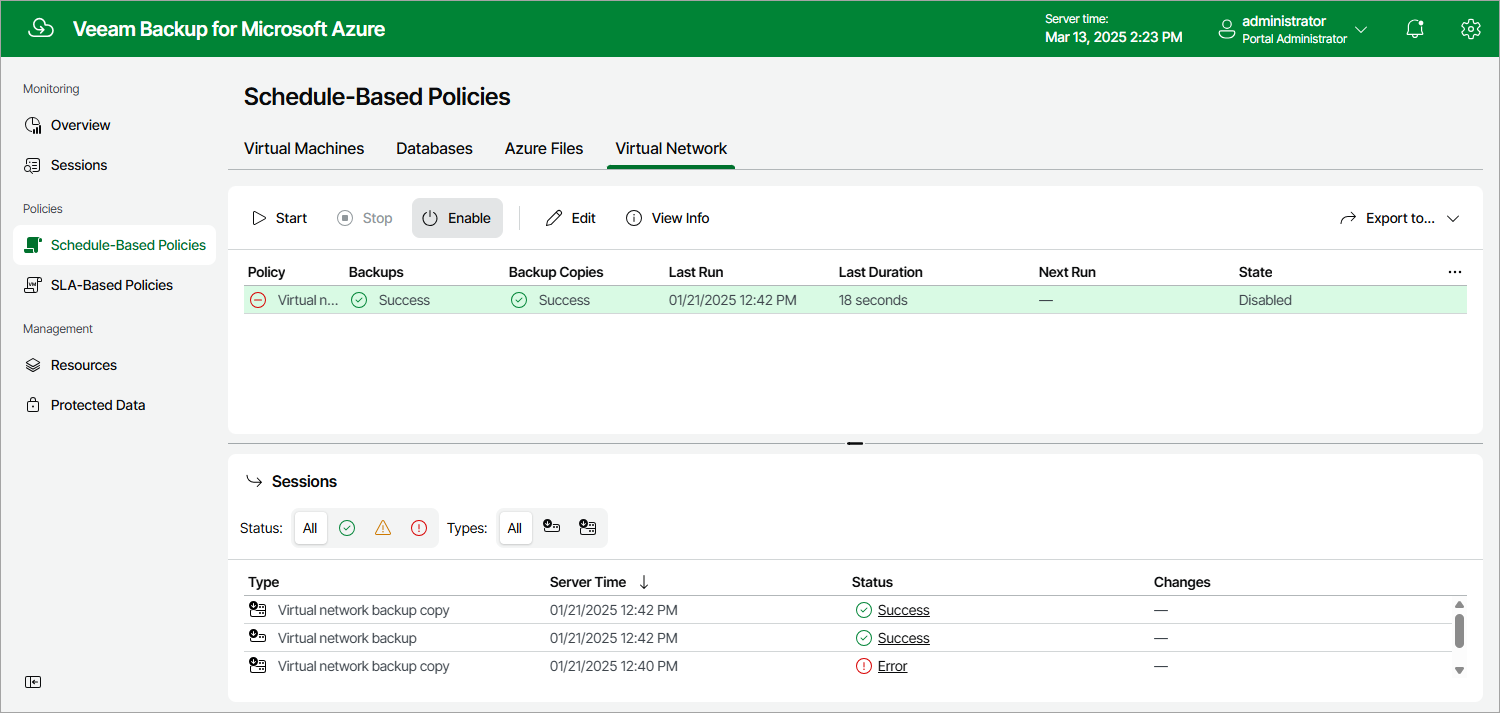
By default, Veeam Backup for Microsoft Azure comes with the disabled Virtual Network Configuration Backup Policy. You can manually start or enable the disabled backup policy at any time you need.
To enable or disable the Virtual Network Configuration Backup policy, do the following:
- Navigate to Policies > Virtual Network.
- Click Enable or Disable.