This is an archive version of the document. Starting from version 9, the Veeam Backup for Microsoft Azure User Guide is part of the Veeam Backup & Replication User Guide. To get the most up-to-date information, see the current version.
Step 10. Finish Working with Wizard
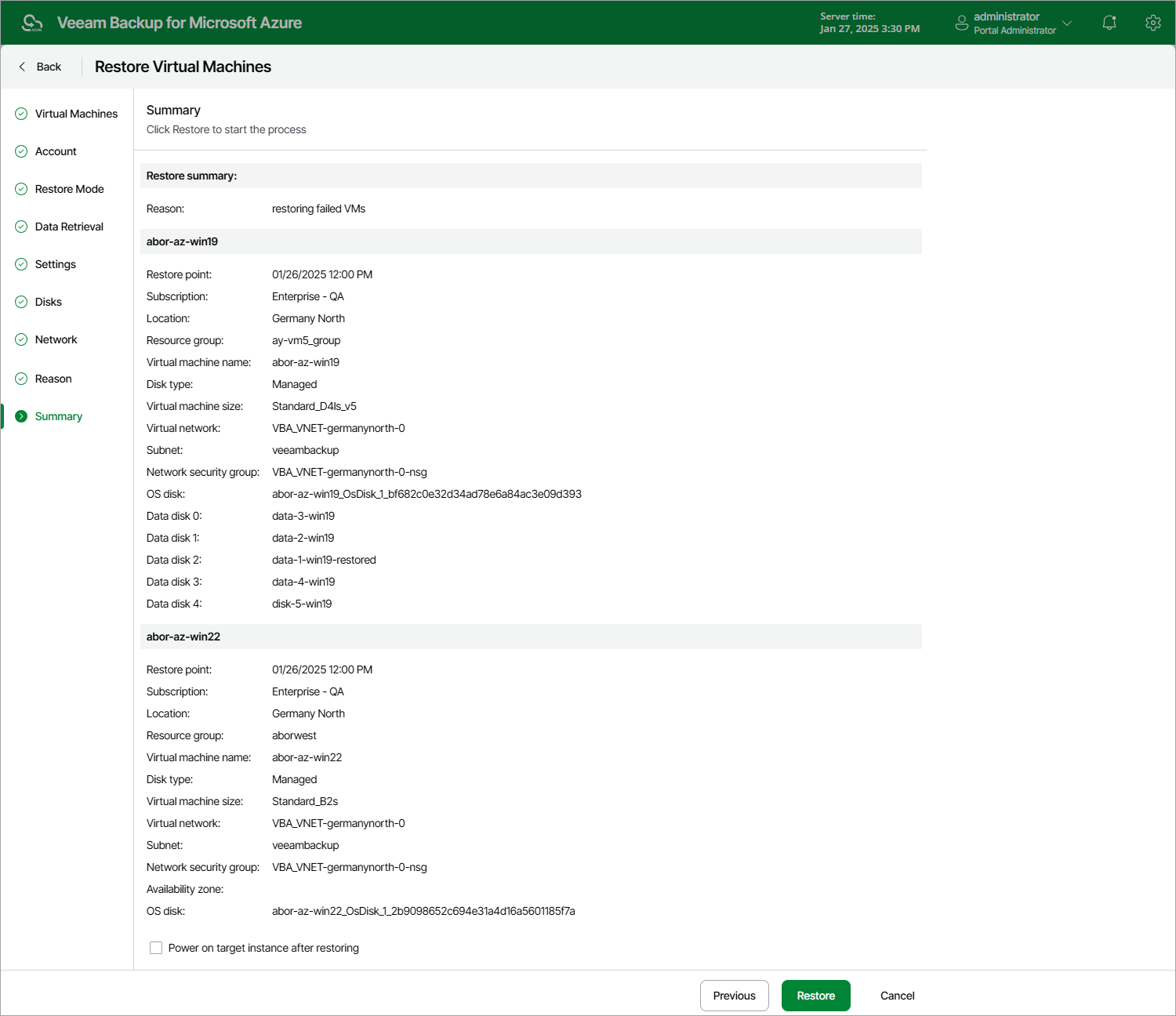
At the Summary step of the wizard, review summary information and click Restore.
|
Tip |
|
If you want to start the restored Azure VM as soon as the restore process completes, select the Power on target instance after restoring check box. |