This is an archive version of the document. Starting from version 9, the Veeam Backup for Microsoft Azure User Guide is part of the Veeam Backup & Replication User Guide. To get the most up-to-date information, see the current version.
Removing SLA and Storage Templates
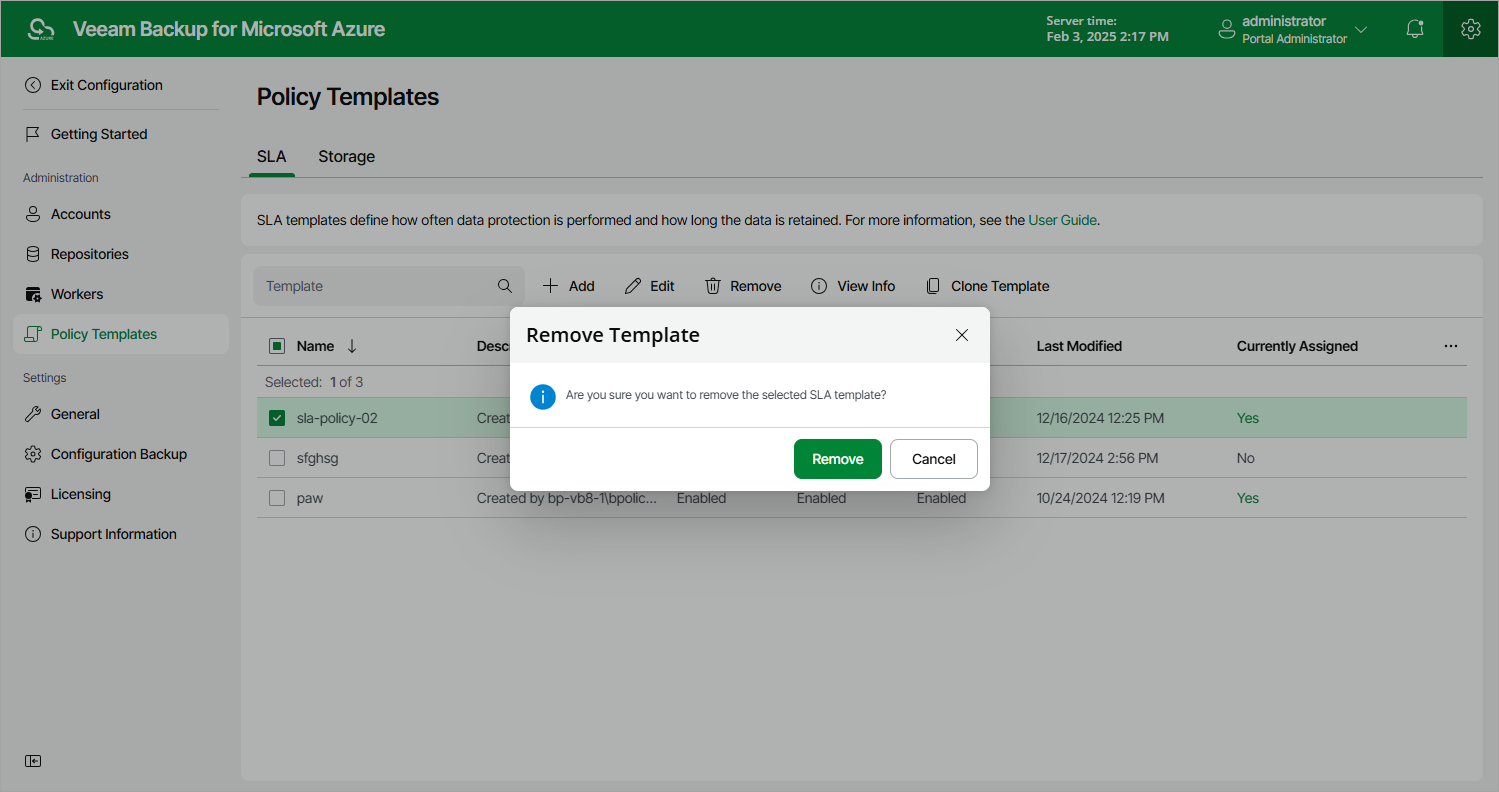
Veeam Backup for Microsoft Azure allows you to permanently remove a policy template from the configuration database if you no longer need it:
- Switch to the Configuration page.
- Navigate to Policy Templates.
- Switch to the necessary tab and select the template.
- Click Remove.
|
Important |
|
You cannot remove a template that is used by any SLA-based backup policy. Modify the settings of all the related policies to remove references to the template — and then try removing the template again. |