This is an archive version of the document. Starting from version 9, the Veeam Backup for Microsoft Azure User Guide is part of the Veeam Backup & Replication User Guide. To get the most up-to-date information, see the current version.
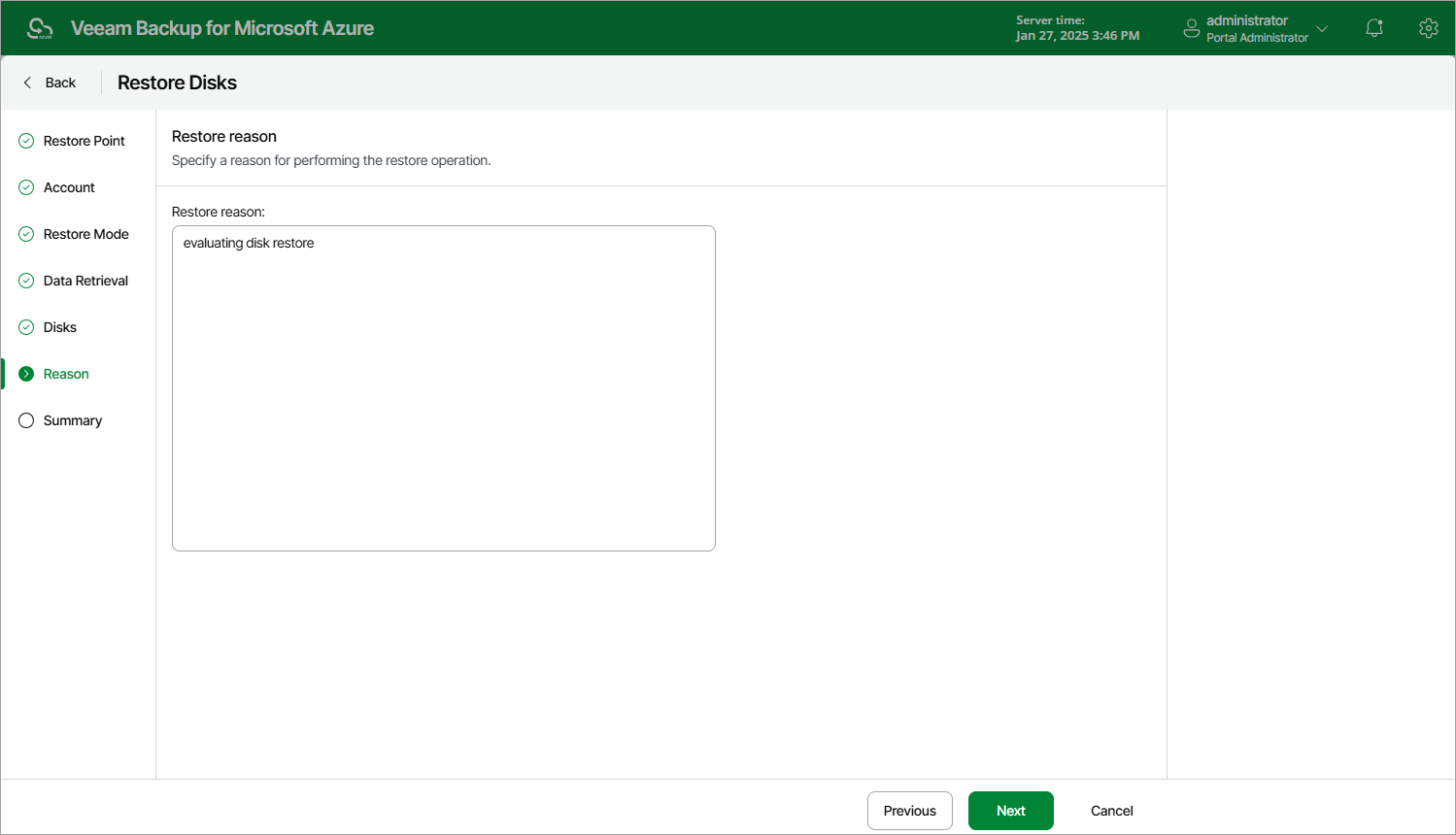
Step 7. Specify Restore Reason
At the Reason step of the wizard, specify a reason for restoring the virtual disks. This information will be saved to the session history, and you will be able to reference it later.