This is an archive version of the document. Starting from version 9, the Veeam Backup for Microsoft Azure User Guide is part of the Veeam Backup & Replication User Guide. To get the most up-to-date information, see the current version.
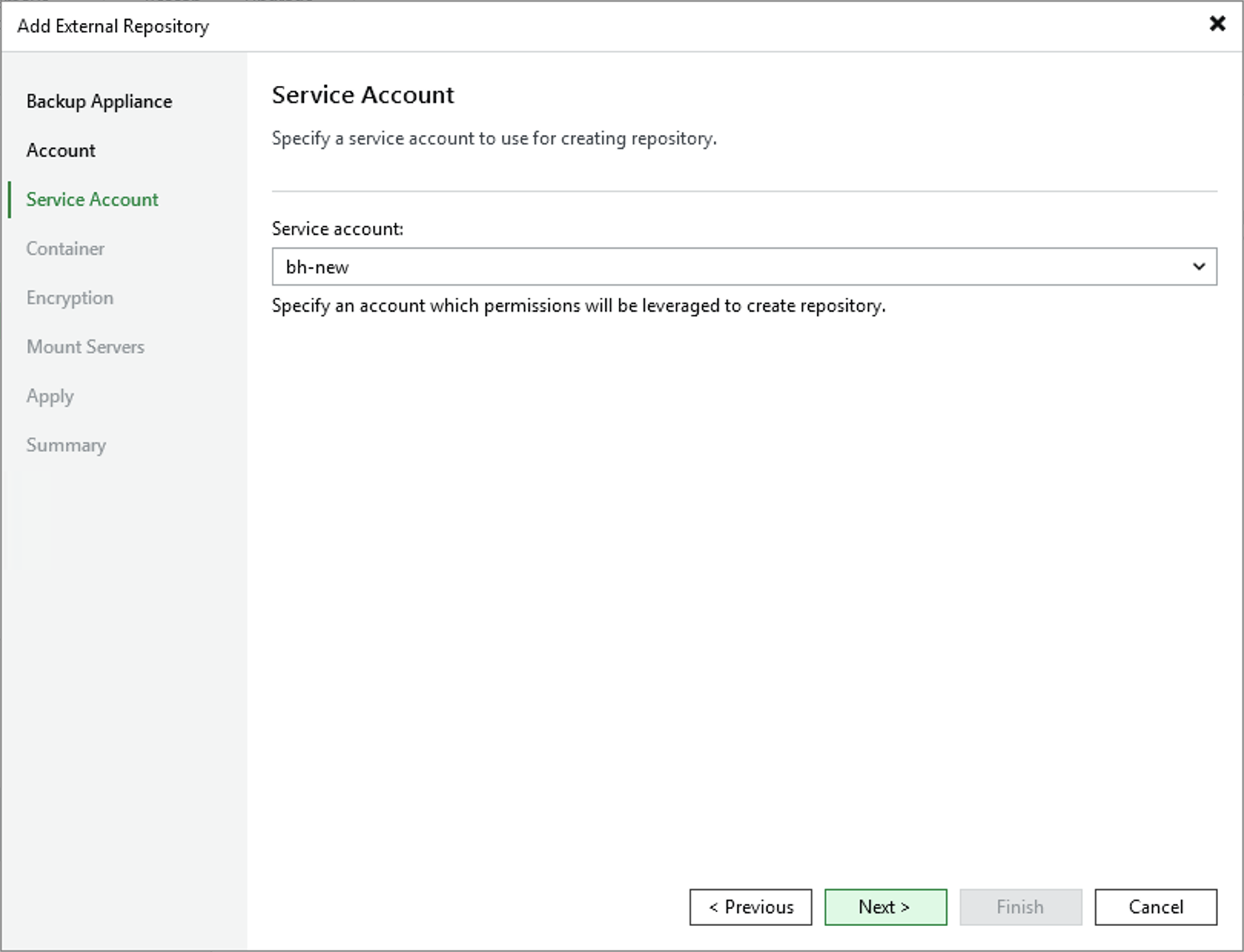
Step 4. Specify Service Account
At the Service Account step of the wizard, specify a service account whose permissions Veeam Backup for Microsoft Azure will use to access the Microsoft Azure storage account specified at step 3.
For a service account to be displayed in the Service account list, it must be added to the backup appliance as described in section Adding Service Accounts.