This is an archive version of the document. Starting from version 3, the Veeam Plug-In for Proxmox VE User Guide is part of the Veeam Backup & Replication User Guide. To get the most up-to-date information, see the current version.
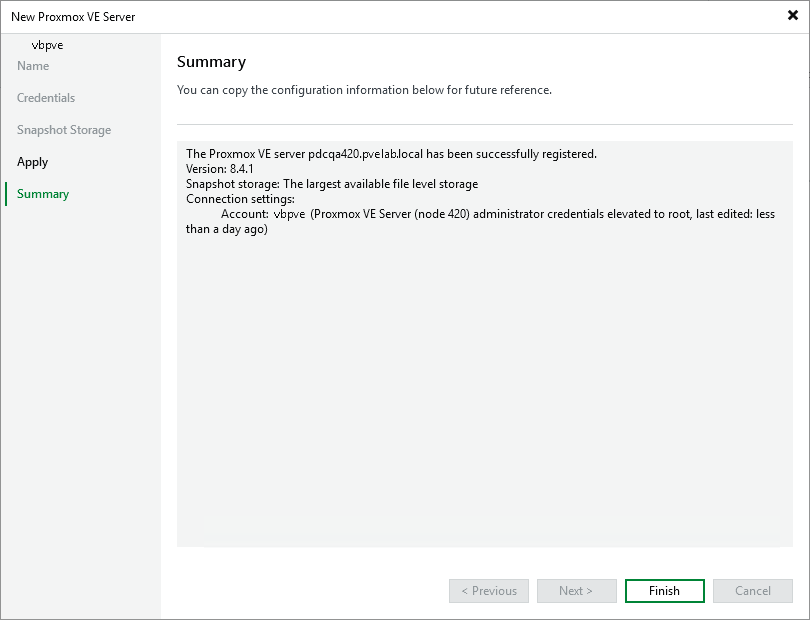
Step 6. Finish Working with Wizard
At the Summary step of the wizard, check that the Proxmox VE server has been successfully added and click Finish.