Viewing Archived Data
After a Salesforce object is added to Veeam Data Cloud Salesforce Extension and a Salesforce Administrator configures the necessary layouts for this object, the Administrator must also create the Archived Records button or the Archived Records tab (or both) — otherwise, users will not be able to view archived data of the added object. To learn how to create custom tabs and buttons, see Configuring Veeam Data Cloud Salesforce Extension.
|
Important |
|
For a user to be able to access archived data, they must be assigned the VBSF Archive Viewer User permission set in Salesforce as described in section Assigning Permissions. |
You can view archived data in either of the following ways:
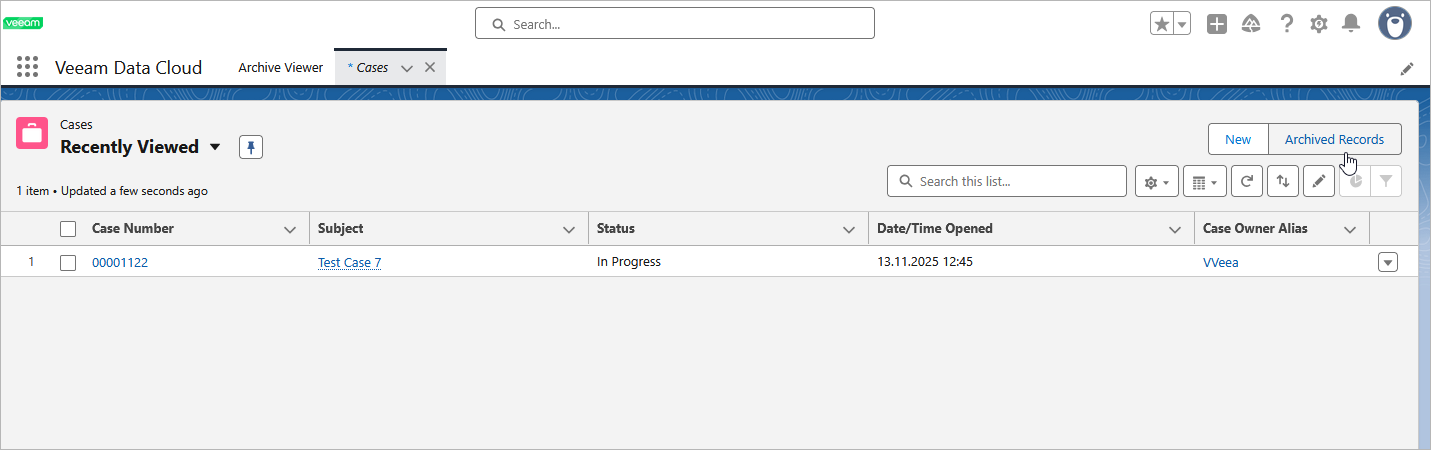
- To view all archived records of an object, navigate to the object list view and click Archived Records. The Archived Records page will open.
For an object to be displayed in the list of available objects, it must be added to the Page Layouts page as described in section Adding Objects.
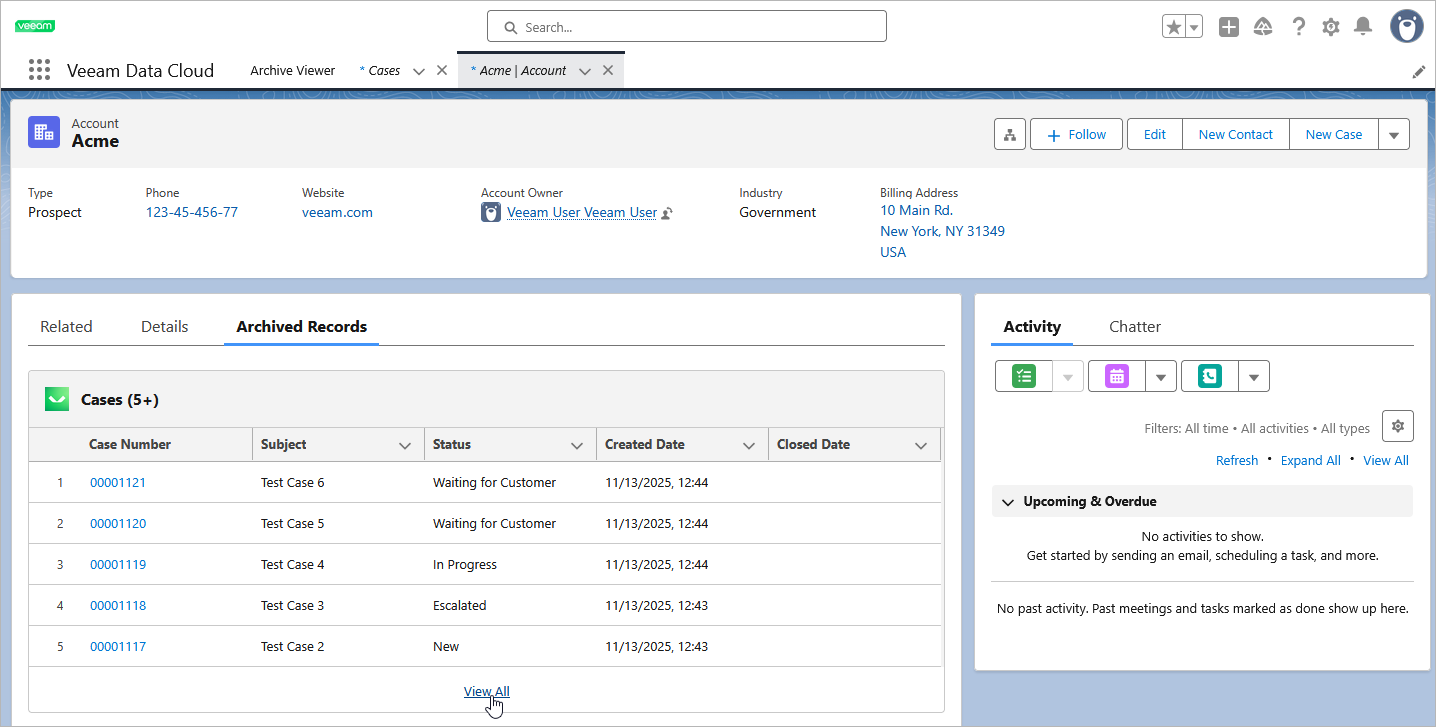
- To view archived child records of an object, navigate to the object list view, click the name of the parent record that contains the necessary child records, and switch to the Archived Records tab.
For a child record to be displayed in the list of available archived records, the object that contains this record must be added to the Page Layouts page as described in section Adding Objects, and the Related List View layout must be created and linked to the parent record as described in section Configuring Layouts.
|
TipS |
|