This is an archive version of the document. Starting from version 11, the Veeam Backup for AWS User Guide is part of the Veeam Backup & Replication User Guide. To get the most up-to-date information, see the current version.
Step 9. Finish Working with Wizard
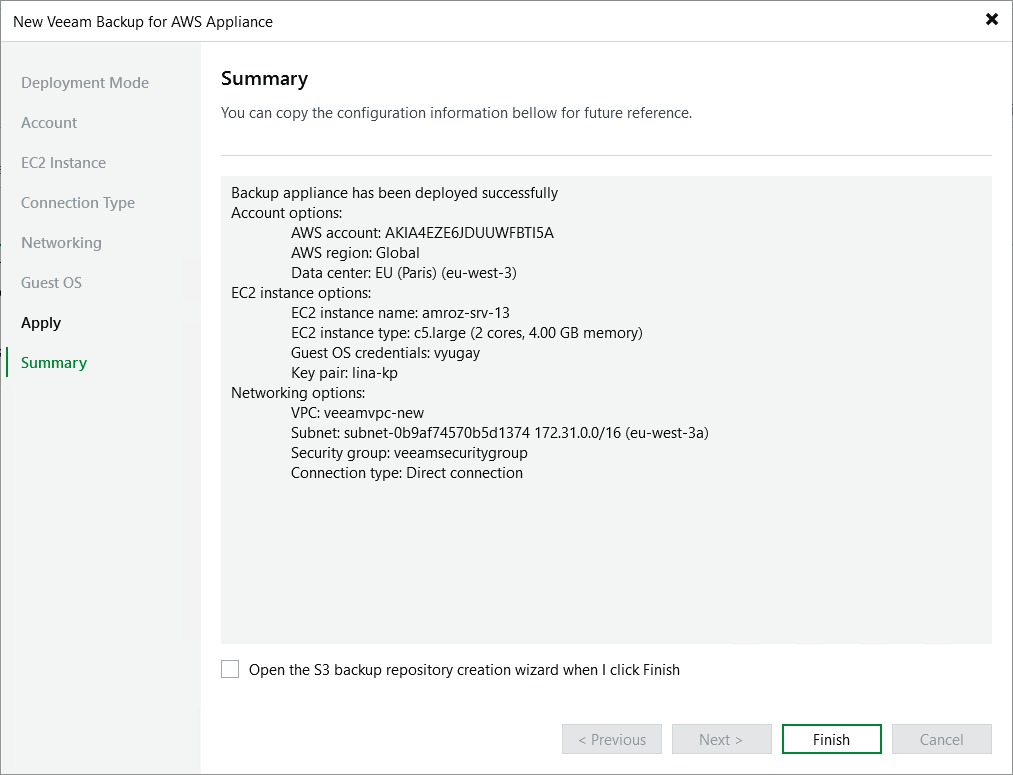
At the Summary step of the wizard, review summary information and click Finish. After the backup appliance is deployed, you will be able to configure its settings in the Veeam Backup for AWS Web UI as described in section Configuring Veeam Backup for AWS.
|
Tip |
|
If you want to add repositories immediately after the backup appliance is deployed, select the Open the S3 backup repository creation wizard when I click Finish check box and follow the instructions provided in section Adding Backup Repositories Using Console. |