This is an archive version of the document. Starting from version 11, the Veeam Backup for AWS User Guide is part of the Veeam Backup & Replication User Guide. To get the most up-to-date information, see the current version.
Step 4. Choose Restore Mode
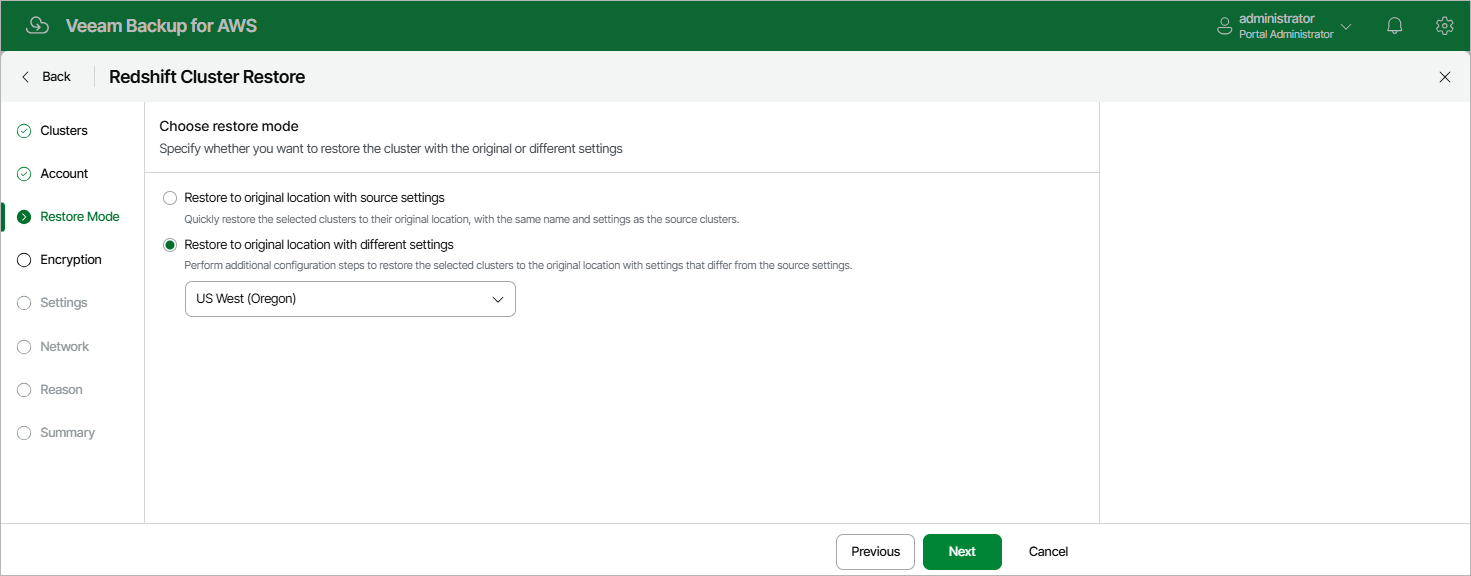
At the Restore Mode step of the wizard, choose whether you want to restore the selected Redshift cluster to the original location with the same or with different settings.
|
Important |
|
If any of the restore options are not available, make sure that the selected restore points meet all the requirements listed at step 2. |