This is an archive version of the document. Starting from version 11, the Veeam Backup for AWS User Guide is part of the Veeam Backup & Replication User Guide. To get the most up-to-date information, see the current version.
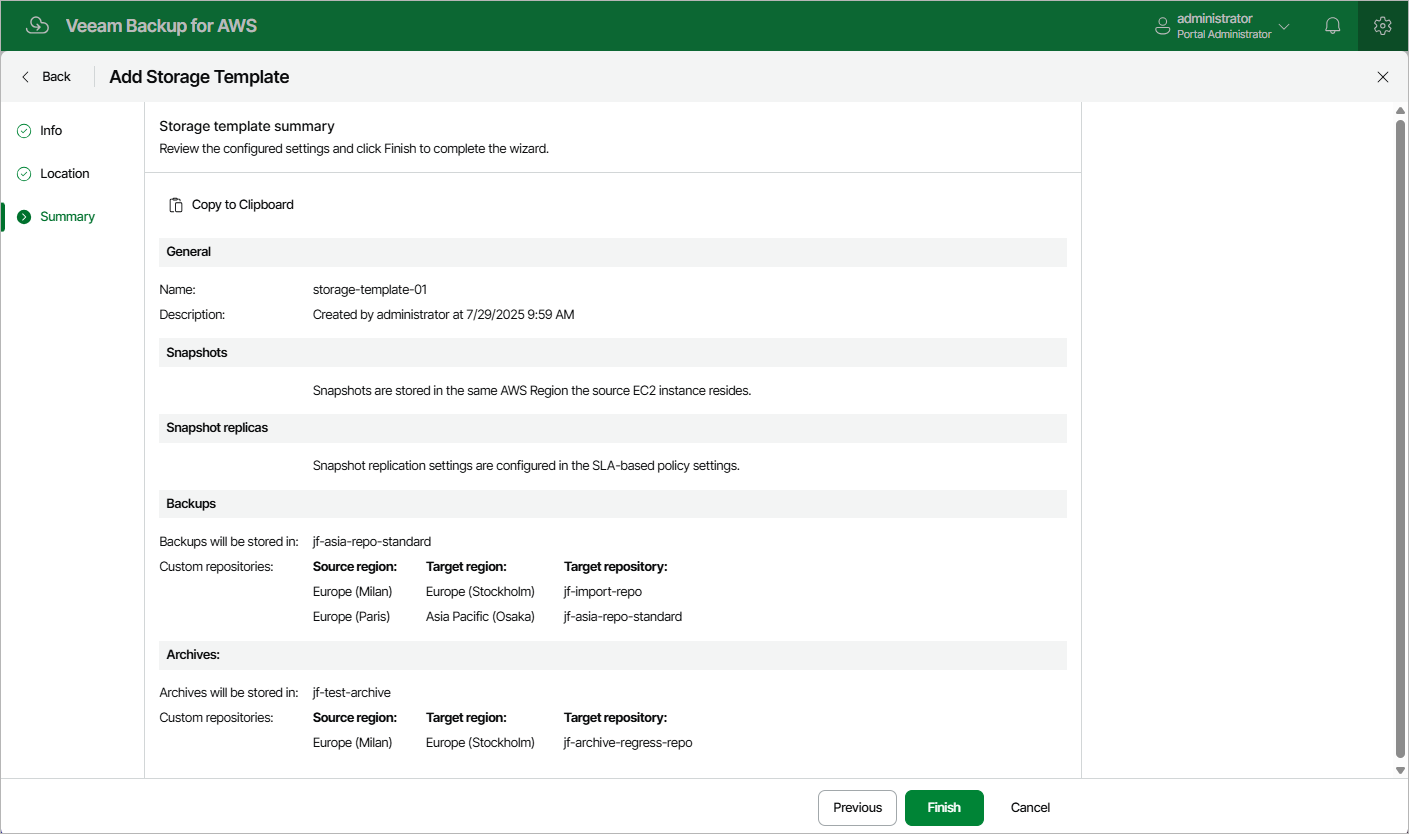
Step 4. Finish Working with Wizard
At the Summary step of the wizard, review summary information and click Finish.
|
Tip |
|
After you create a storage template and assign it to a number of SLA-based backup policies as described in section Creating SLA-Based EC2 Backup Policies, you will be able to see the full list of all the related policies on the Storage page. To do that, select the necessary template and click the link in the Currently Assigned column. |