This is an archive version of the document. Starting from version 11, the Veeam Backup for AWS User Guide is part of the Veeam Backup & Replication User Guide. To get the most up-to-date information, see the current version.
Step 4. Finish Working with Wizard
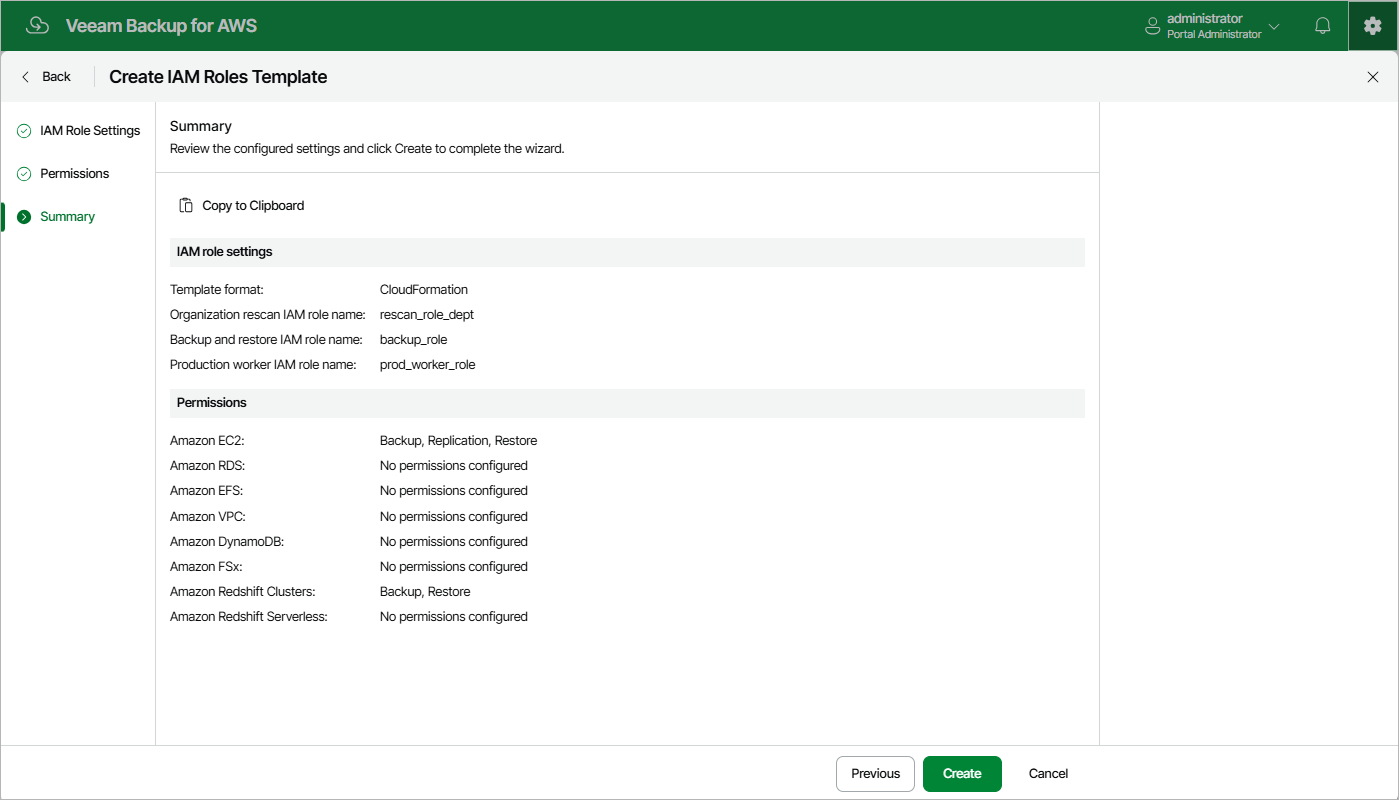
At the Summary step of the wizard, review configuration information. After you click Create, Veeam Backup for AWS will generate a separate .CFORM or a .JSON file for each specified IAM role (depending on the settings configured at step 2 of the wizard) and save it locally in the default download folder.