This is an archive version of the document. Starting from version 11, the Veeam Backup for AWS User Guide is part of the Veeam Backup & Replication User Guide. To get the most up-to-date information, see the current version.
Removing Profiles
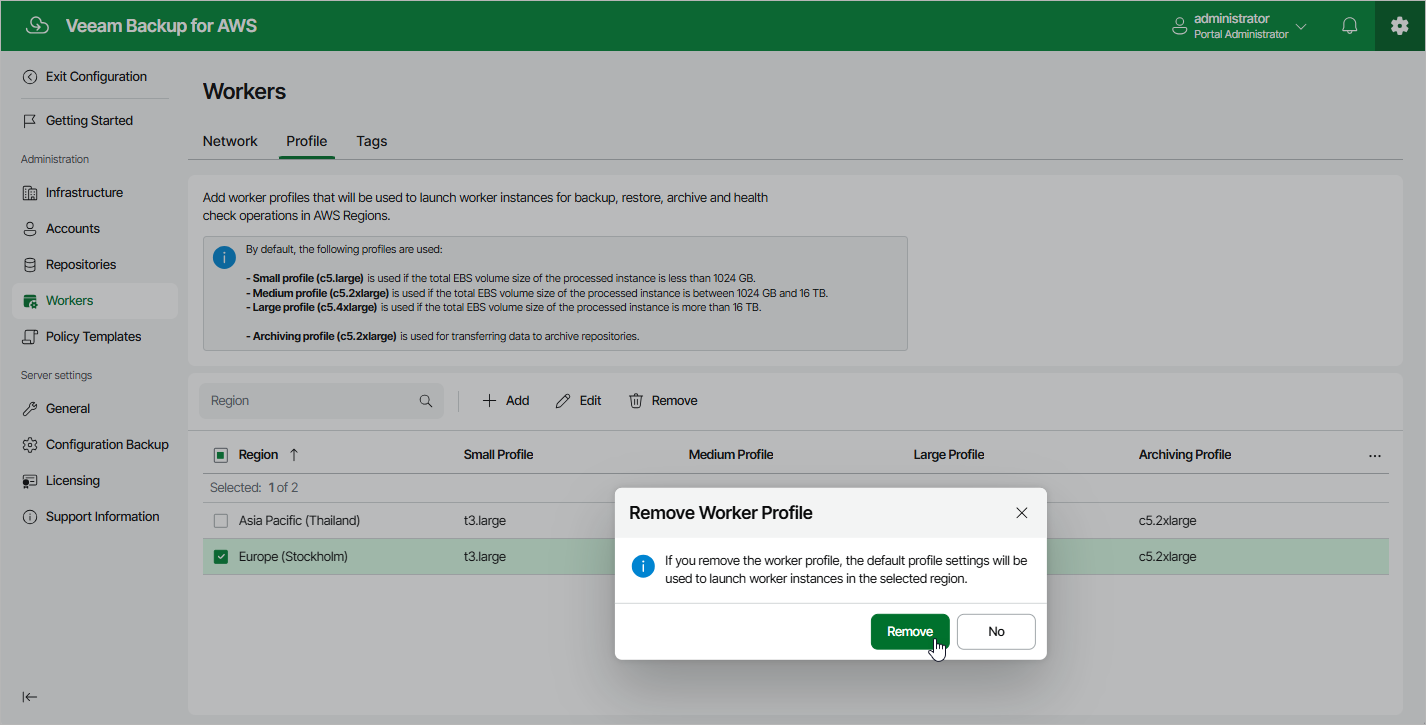
Veeam Backup for AWS allows you to permanently remove sets of worker profiles if you no longer need them. When you remove a profile set, Veeam Backup for AWS does not remove currently running worker instances that have been created based on this set — these instances are removed only when the related operations complete.
To remove a profile set from Veeam Backup for AWS, do the following:
- Switch to the Configuration page.
- Navigate to Workers > Profile.
- Select the profile set and click Remove.