This is an archive version of the document. Starting from version 11, the Veeam Backup for AWS User Guide is part of the Veeam Backup & Replication User Guide. To get the most up-to-date information, see the current version.
Cloning SLA and Storage Templates
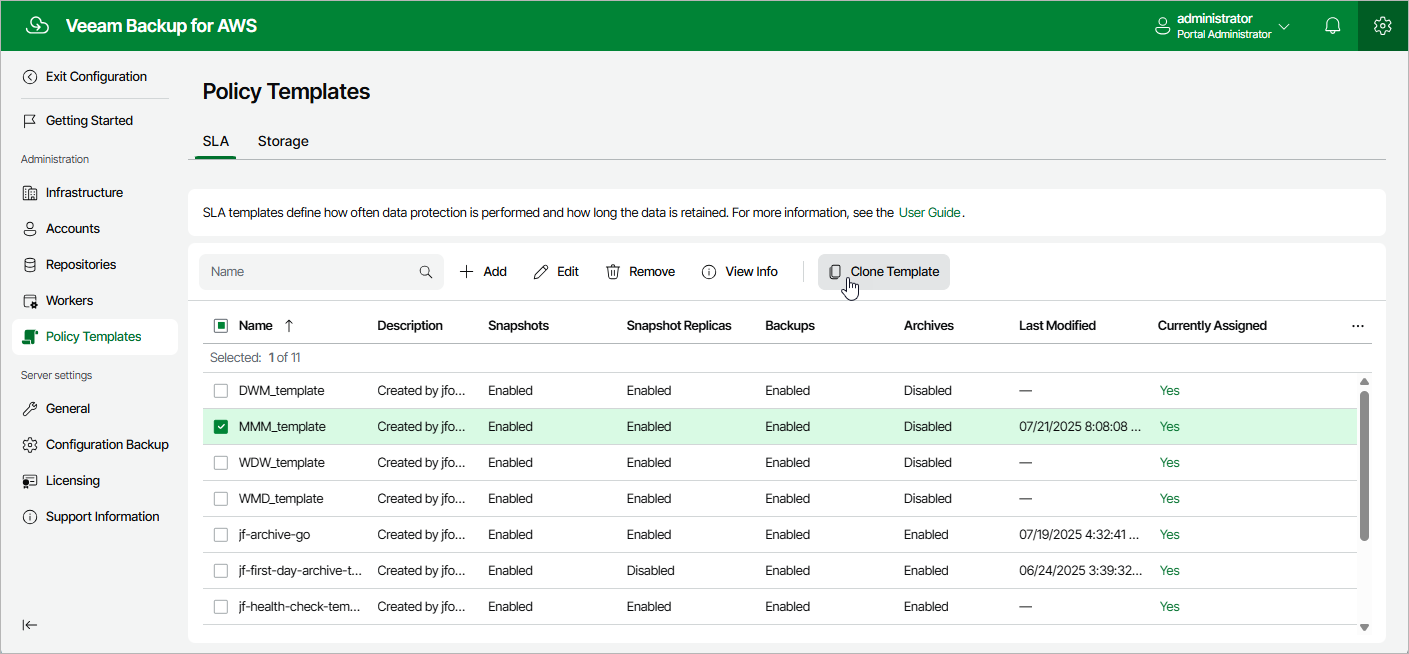
Veeam Backup for AWS allows you to create a new policy template based on the settings of an existing one:
- Switch to the Configuration page.
- Navigate to Policy Templates.
- Switch to the necessary tab and select the template.
- Click Clone.
- Complete the Clone SLA Template or the Clone Storage Template wizard as described in section Adding SLA Templates or Adding Storage Templates.