This is an archive version of the document. Starting from version 11, the Veeam Backup for AWS User Guide is part of the Veeam Backup & Replication User Guide. To get the most up-to-date information, see the current version.
Step 4. Specify Amazon S3 Bucket
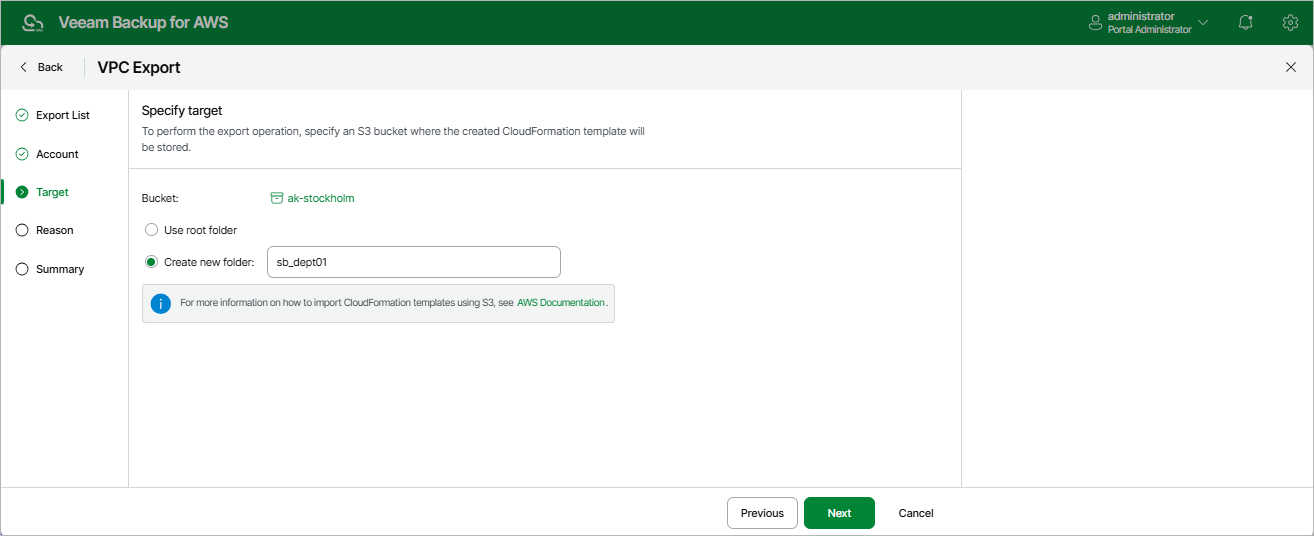
At the Target step of the wizard, specify an Amazon S3 bucket where Veeam Backup for AWS will save the CloudFormation template with the exported VPC configuration items.
Choose whether you want to save the template in the root folder of the selected Amazon S3 bucket or to create a new folder for the template.