This is an archive version of the document. Starting from version 11, the Veeam Backup for AWS User Guide is part of the Veeam Backup & Replication User Guide. To get the most up-to-date information, see the current version.
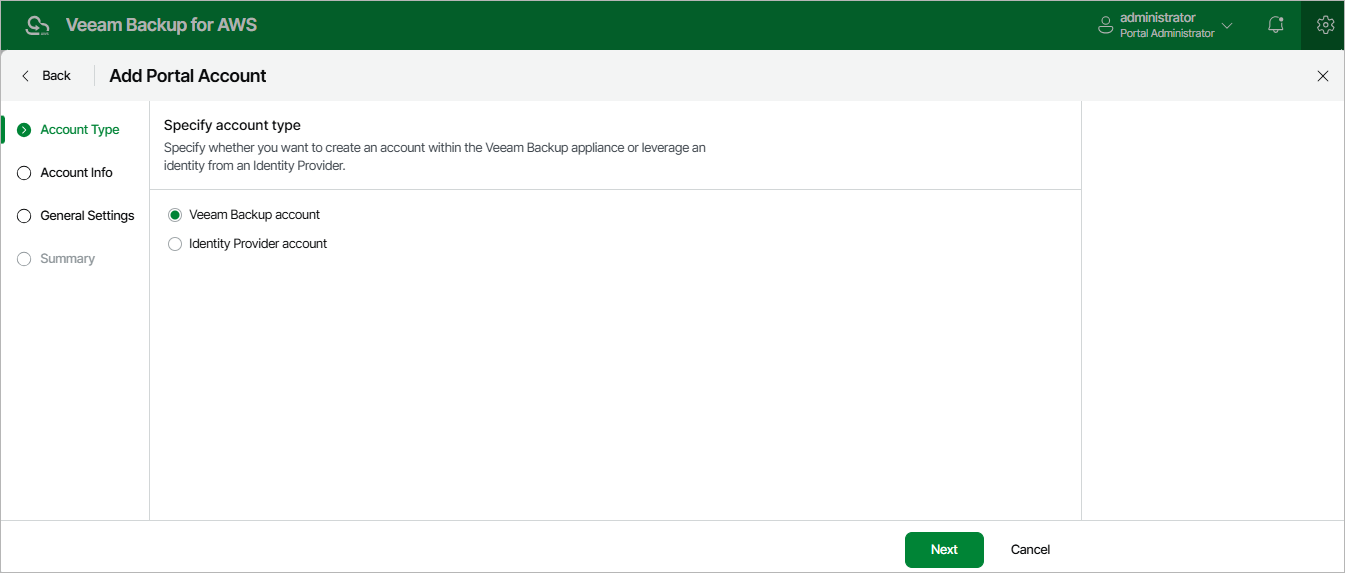
Step 2. Choose Account Type
At the Account Type step of the wizard, choose whether you want to create a new Veeam Backup for AWS user or to retrieve a user identity from your identity provider. To retrieve user identities from the identity provider, you must first configure single sign-on settings.