

Important! |
To edit organization settings, all jobs configured for that organization must be in the Disabled state. |
To edit organization settings, select its node in the navigation pane and click Edit Org on the toolbar, or use the shortcut menu command. Then follow the steps of the wizard.
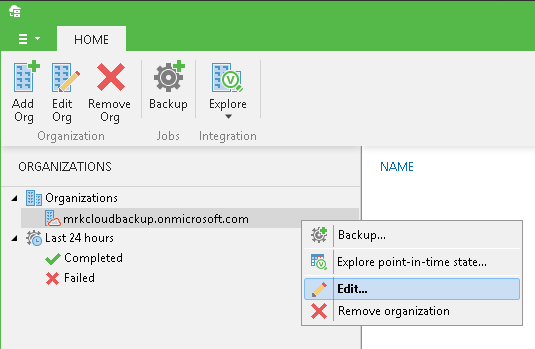
To remove an organization from the scope, select it in the navigation pane and click Remove Org on the toolbar, or use the shortcut menu command.
Send feedback | Updated on 11/21/2016