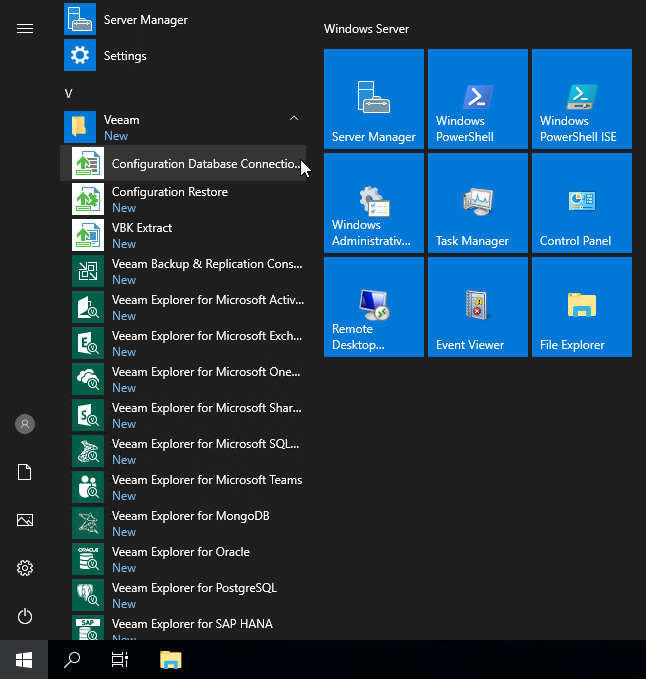
Step 1. Launch Utility
You can launch the configuration database connection utility using one of the following ways:
- From the Start menu, click Configuration Database Connection Settings .
- Use the Veeam.Backup.DBConfig.exe file located in the installation folder. The default path to the folder is the following: %PROGRAMFILES%\Common Files\Veeam\Backup and Replication\DBConfig .
- Use the Veeam.Backup.DBConfig.exe file located in the ISO file. The path to the file is the following: %ISO%:\Tools\DBConfig .
To run the utility, you must have administrative rights on the local machine, as the utility makes changes to the registry. If prompted at the launch, choose Run as administrator .