Restoring Data of Physical Machines
Veeam Backup & Replication allows you to restore data of physical machines. You can perform the following data restore tasks with Veeam Agent backups:
- Restoring Veeam Agent Backup to vSphere VM
- Restoring Veeam Agent Backup to Hyper-V VM
- Restoring to Microsoft Azure
- Restoring to Amazon EC2
- Restoring to Google Compute Engine
- Restoring Volumes
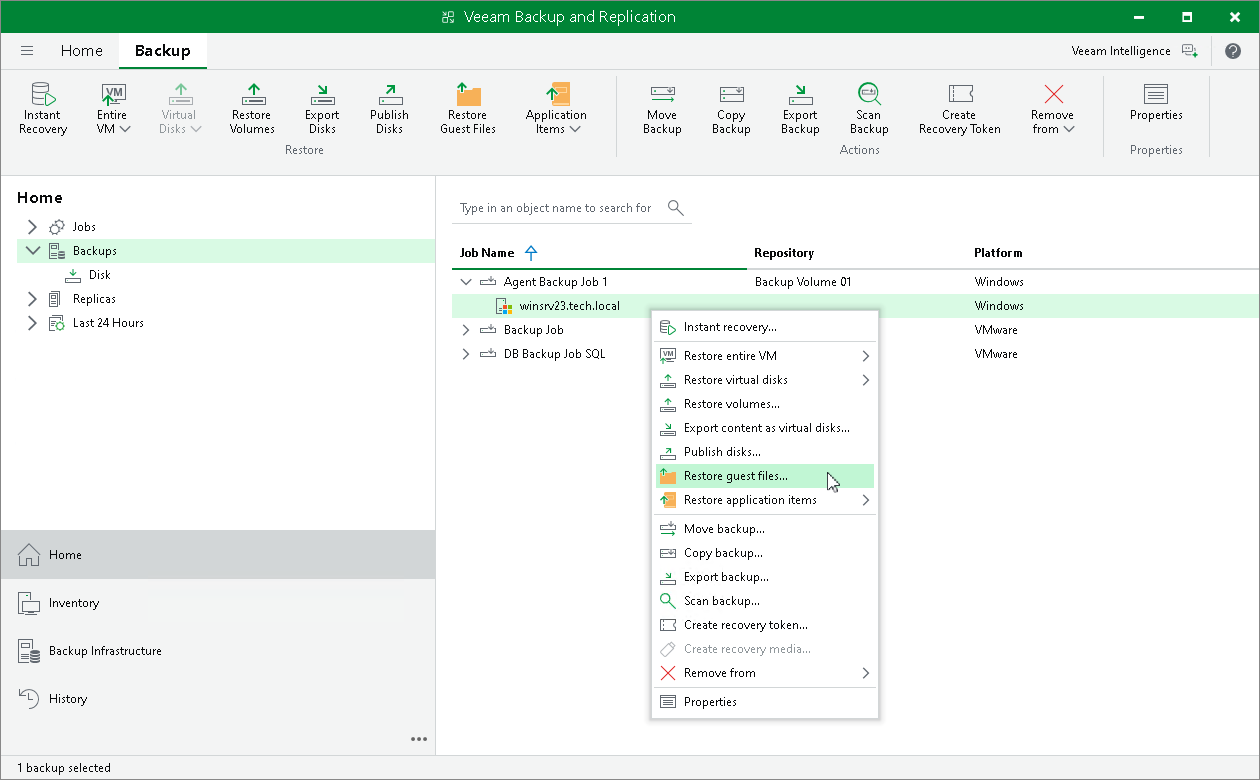
- Restoring Files and Folders
- Restoring Application Items
For the full list, see the Restoring Data from Veeam Agent Backups section in the Veeam Backup & Replication User Guide.
In this section, you will learn how to restore computer files and folders. For more information on other restore processes, follow the links in the list.
Restoring Files and Folders
The procedure of file-level restore from a Veeam Agent backup is similar to the same procedure for a VM backup. The difference is that you select a Veeam Agent backup instead of a VM backup in the File Level Restore wizard. To learn more, see Restoring VM Files.