Undoing Failback
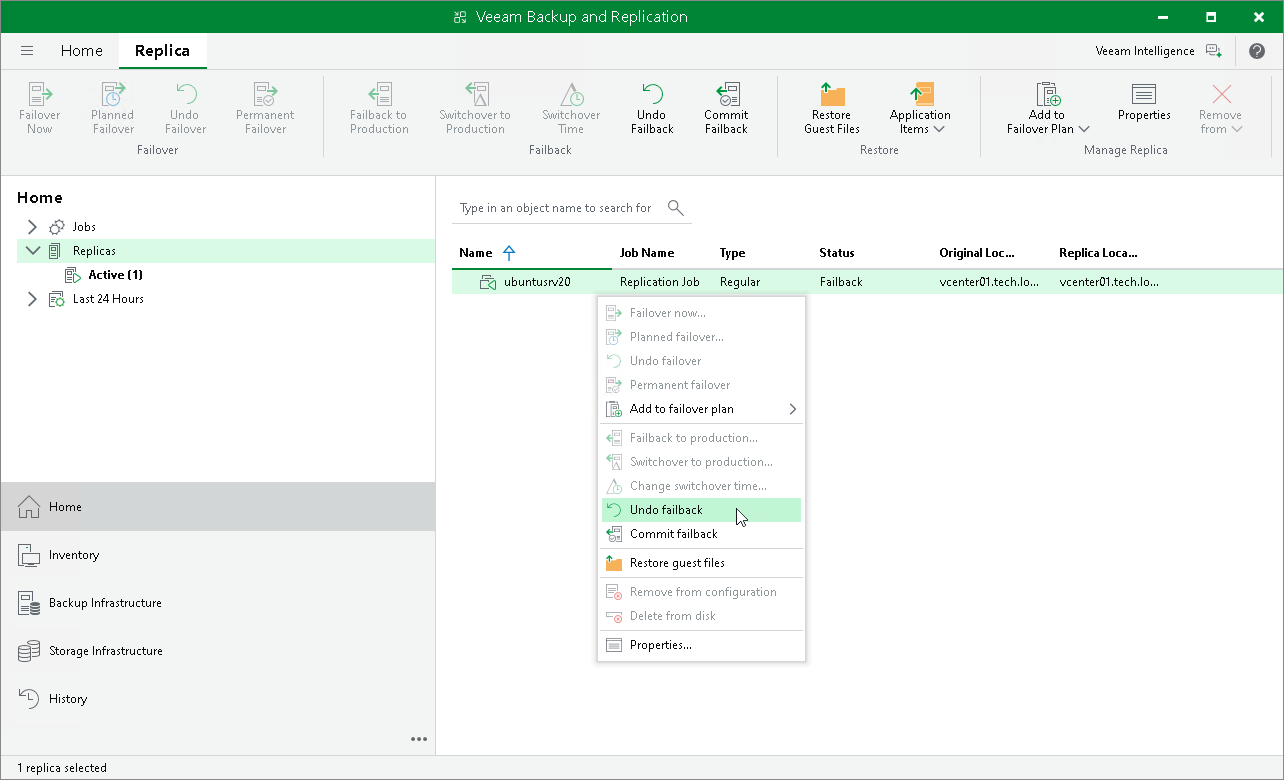
To undo a failback, do the following:
- In the inventory pane of the Home view, select the Replicas node.
- In the working area, right-click the VM replica and select Undo Failback.
- In the opened window, click Yes to confirm the operation.
Reference
For more information on undoing failback, see the Undo Failback (VMware vSphere) and Undo Failback (Microsoft Hyper-V) sections in the Veeam Backup & Replication User Guide.