 This is an archive version of the document. To get the most up-to-date information, see the current version.
Accessing VAO UI
To access the VAO UI, perform the following steps:
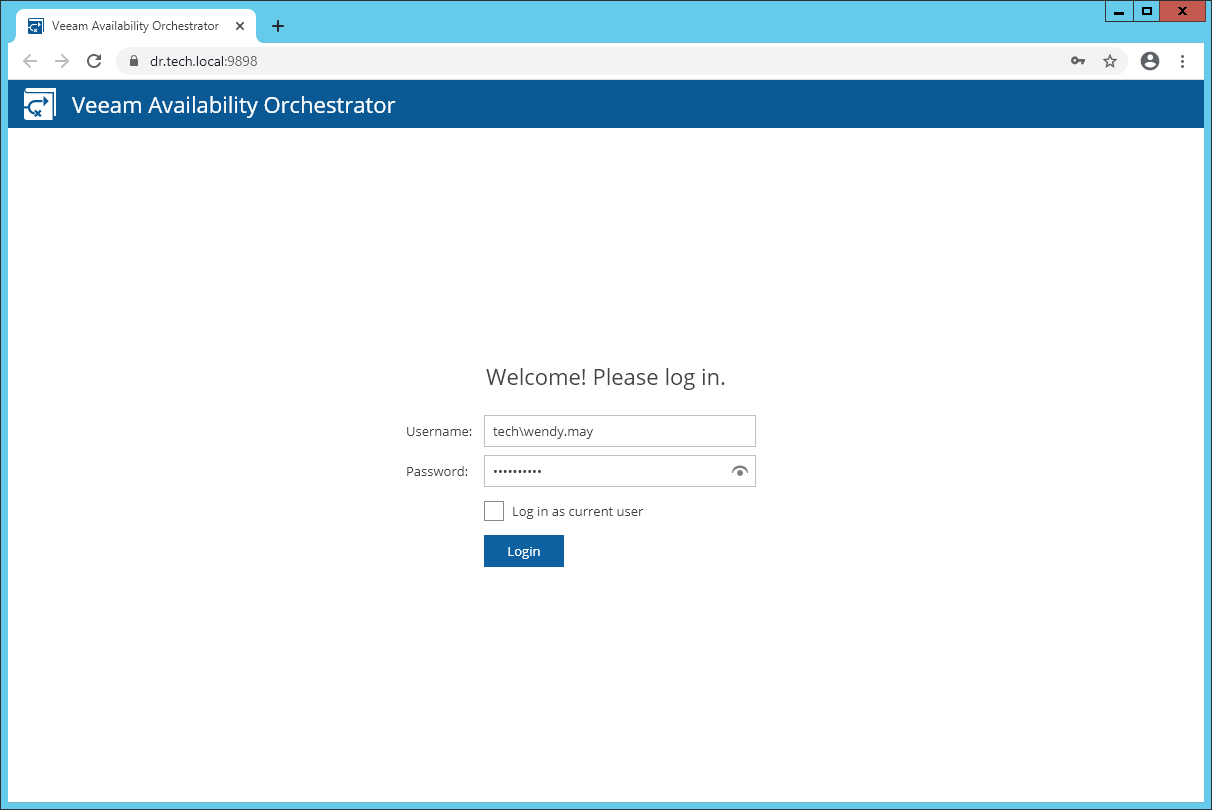
- In a web browser, navigate to the VAO UI web address.
The address consists of a FQDN of the VAO server and the website port specified during installation (by default, 9898). Note that the VAO UI is available over HTTPS.
https://<hostname>:<port>
Important |
Starting from version 4.0, Internet Explorer is no longer supported. To access the VAO UI, use Microsoft Edge, Google Chrome or Mozilla Firefox. |
- If you log in for the first time, in the Username and Password fields, specify credentials of the local Administrator who performed VAO installation. The user name must be specified in the DOMAIN\USERNAME format.
To authenticate using the credentials provided when logging into the system, select the Log in as current user check box.
Tip |
To be able to log in as the current user, you must first do the following:
|
In future, you can configure users and roles to grant access to the VAO UI. For more information, see Assigning User Roles and Permissions.
- Click Login.
Adding VAO UI to Trusted Sites
If you have issues accessing the VAO UI, check your browser settings to ensure that the VAO UI site is included in the Trusted Sites list.
Logging Out
To log out of the VAO UI, at the top right corner of the Veeam Availability Orchestrator window, click the user name and then click Logout.