This is an archive version of the document. To get the most up-to-date information, see the current version.
Step 3. Select Recovery Location
In this article
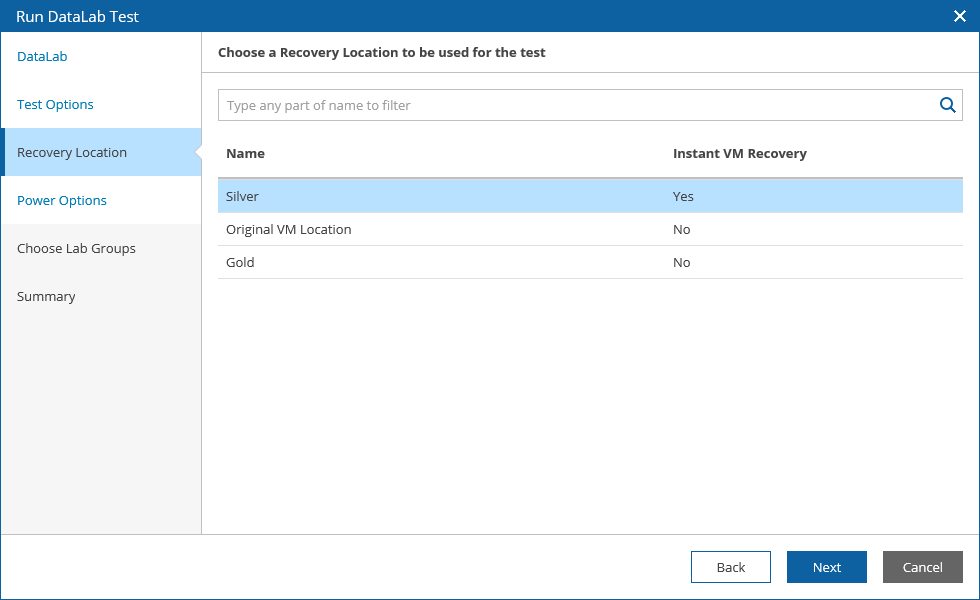
At the Recovery Location step of the wizard, select a location to which VMs groups included in the plan will be restored.
For a recovery location to be displayed in the list of available recovery locations, it must be created and included into the list of plan components available for the scope, as described in section Managing Recovery Locations.
Tips |
To do that, configure the Isolated Networks settings of the virtual lab in the Veeam Backup & Replication console, as described in the Veeam Backup & Replication User Guide, section Recovery Verification.
|