This is an archive version of the document. To get the most up-to-date information, see the current version.
Step 8. Choose Power Options
In this article
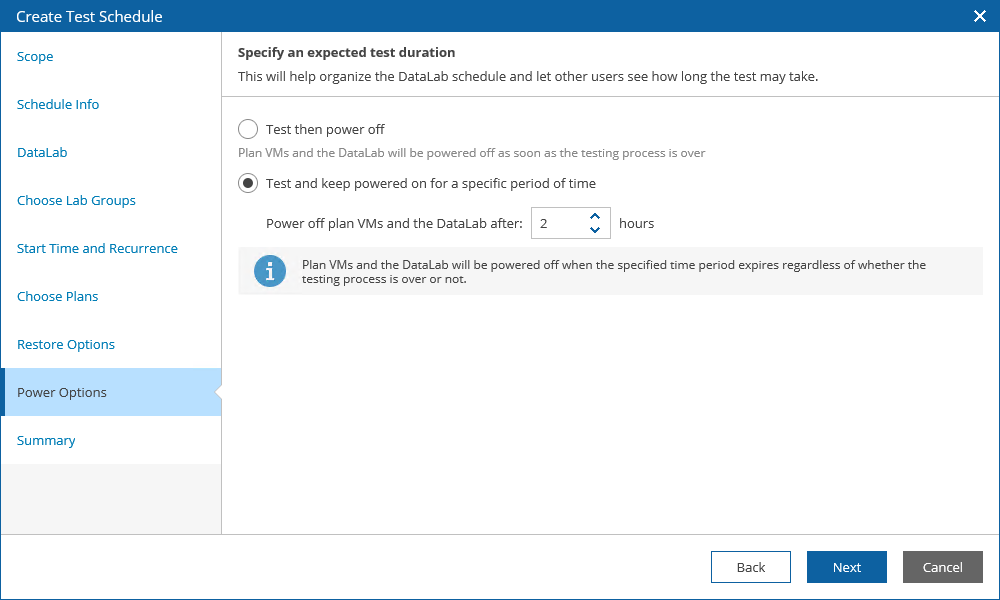
At the Power Options step of the wizard, choose an action to perform after the testing process is over:
- To power off plan VMs and the lab, select the Test then power off option.
- To keep plan VMs and the lab running in case you are willing to perform further tests, select the Test and keep powered on for a specific period of time option.
Use the Power off plan VMs and the DataLab after field to book a time slot in the lab schedule and prevent other tests from being scheduled for the same period.