This is an archive version of the document. To get the most up-to-date information, see the current version.
Uninstalling Veeam Availability Orchestrator
In this article
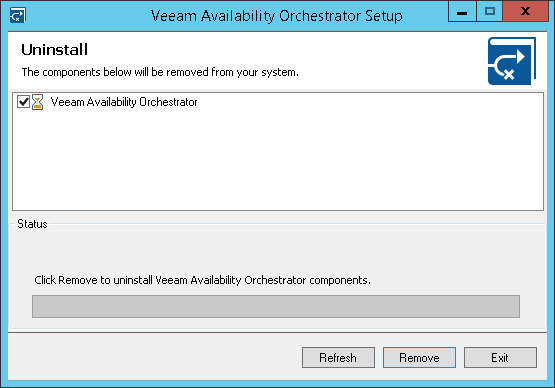
To uninstall VAO components, perform the following steps:
- Log in as a local Administrator to the machine where VAO is installed.
- From the Start menu, select Control Panel > Programs and Features.
- Select Veeam Availability Orchestrator, click Uninstall and then click Remove.