This is an archive version of the document. To get the most up-to-date information, see the current version.
Changing User Passwords
As an administrator, you can change the password for a Veeam Backup for Nutanix AHV user account:
- Switch to the Configuration page.
- Navigate to Accounts.
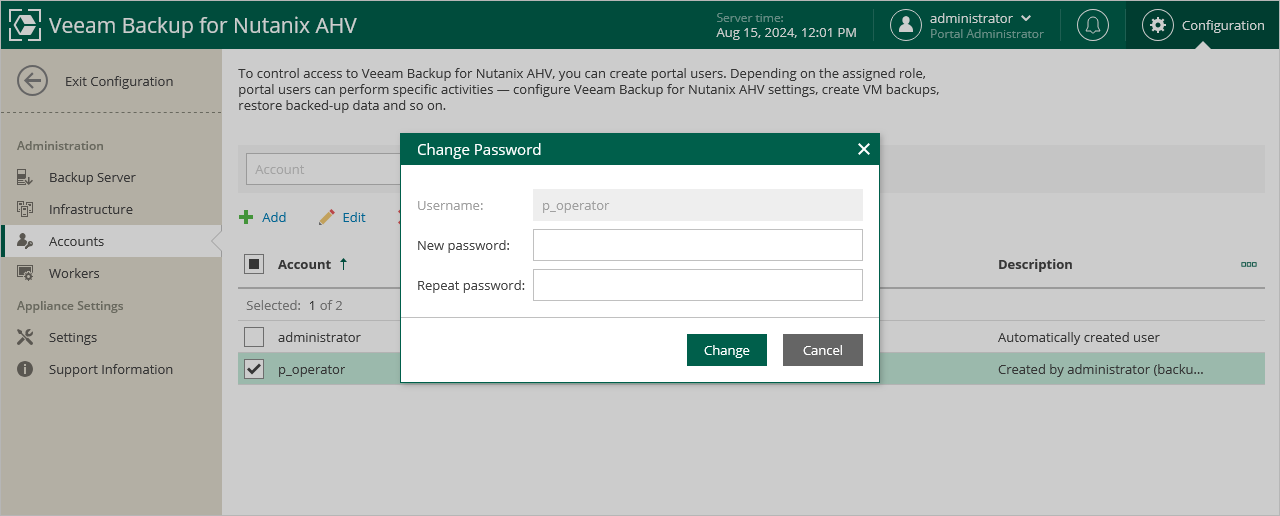
- Select the user account and click Change Password.
- In the Change Password window, enter and confirm a new password, and then click Change.