 This is an archive version of the document. To get the most up-to-date information, see the current version.
Deleting Jobs
You can permanently delete a job from the Veeam Backup for Nutanix AHV configuration database if you no longer need it. When you delete a job, backups created by this job are displayed under the Backups > Disk (Orphaned) node in the Home view of the Veeam Backup & Replication console. If you want to delete backup files as well, follow the instructions provided in section Deleting Backups .
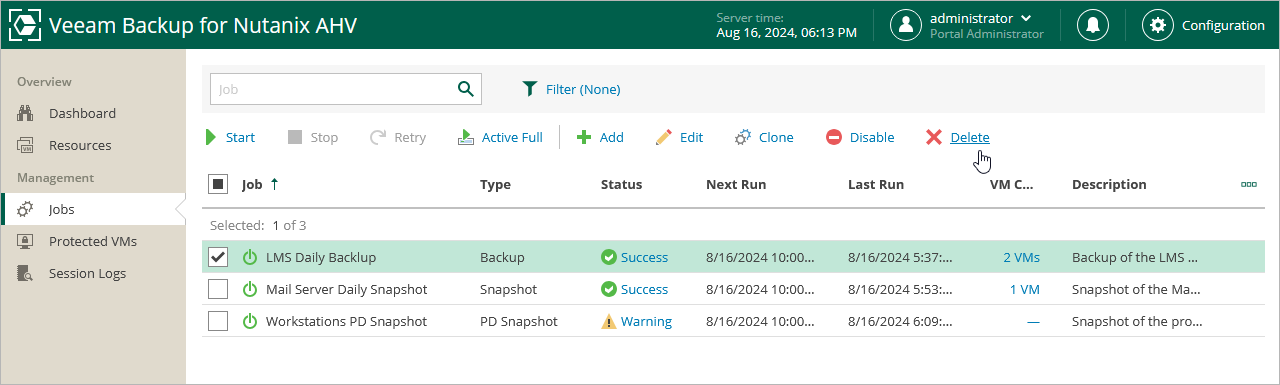
To delete job, do the following:
- Navigate to Jobs .
- Select the job.
- Click Delete .
|
Tip |
|
You can also delete a job using the Veeam Backup & Replication console. To do that, in the inventory pane of the Home view, select Jobs > Backup , select the job and click Delete on the ribbon. |